
In this guide you’ll get:
- The best split/tented board for wrist comfort
- A mechanical ergonomic pick for all-day typing
- A standard ergo option that’s easy to adapt to
At a glance
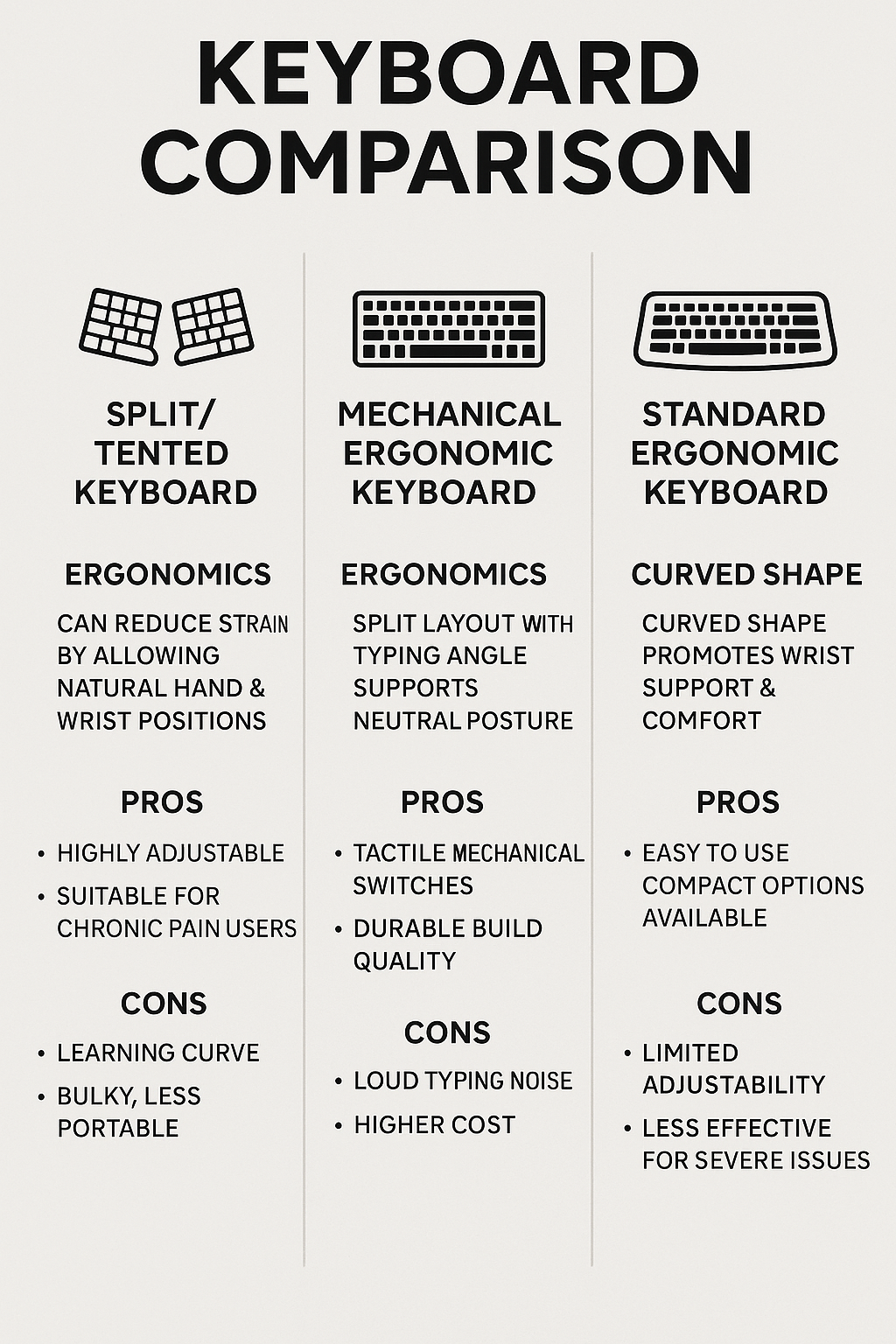
| Type | Best For | Why |
|---|---|---|
| Split/Tented | Wrist comfort & neutral shoulder width | Halves position naturally; tenting reduces ulnar deviation |
| Mechanical Ergo | Heavy typing & precision | Tunable switches; better feedback; less bottoming-out |
| Standard Ergo | Easy adaptation & budget | Gentle curve, built-in palm rest; negative tilt possible |
1) Split/Tented: most wrist relief
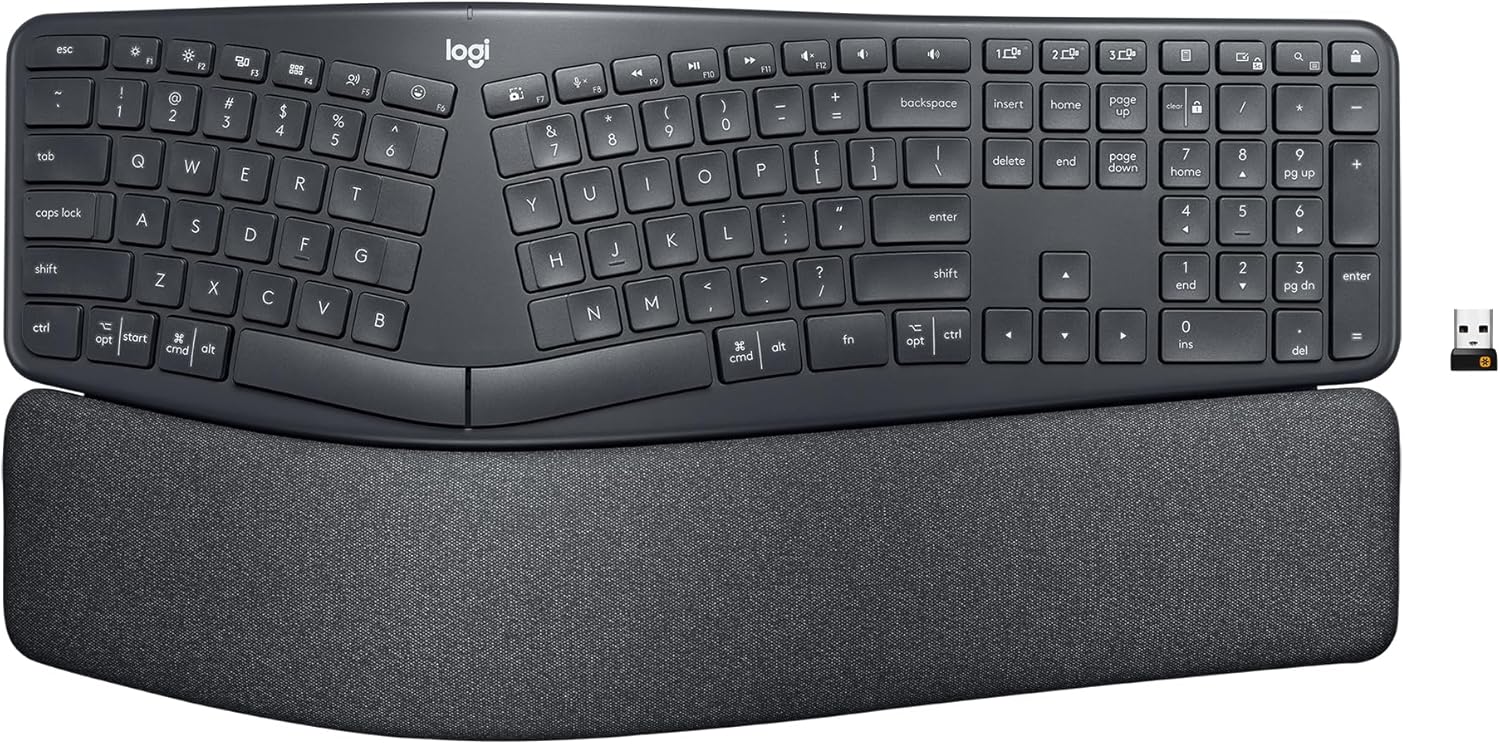
- Tent: 5–15° reduces inward bend
- Negative tilt: front edge lower than back to keep wrists neutral
- Wrist support: gel or foam rests, not hard edges
2) Mechanical Ergo: best feel for long days
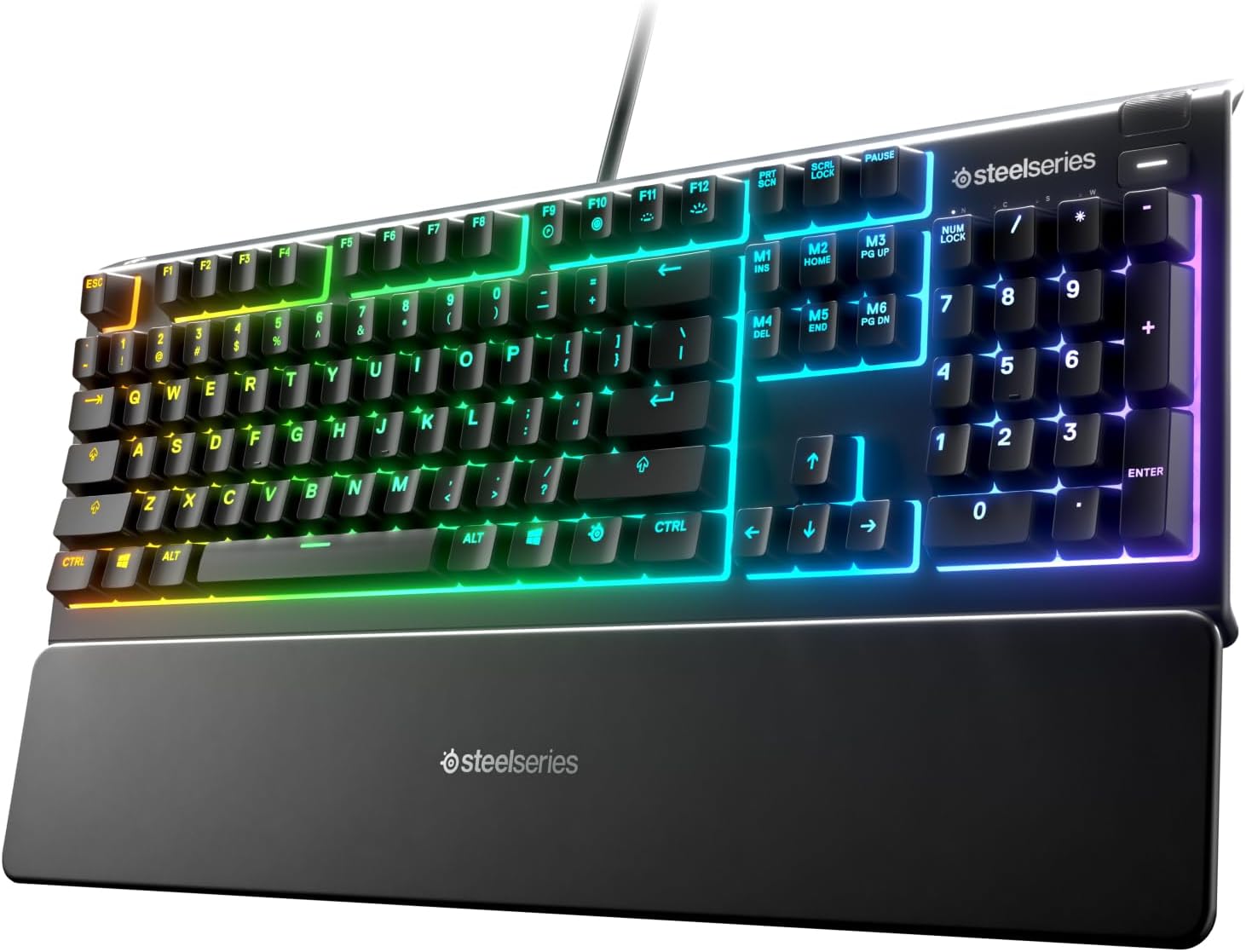
- Switches: light linears or tactiles to reduce force
- Keycaps: sculpted profiles aid targeting; consider PBT
- Layout: keep nav keys accessible for work shortcuts
3) Standard Ergo: easiest transition
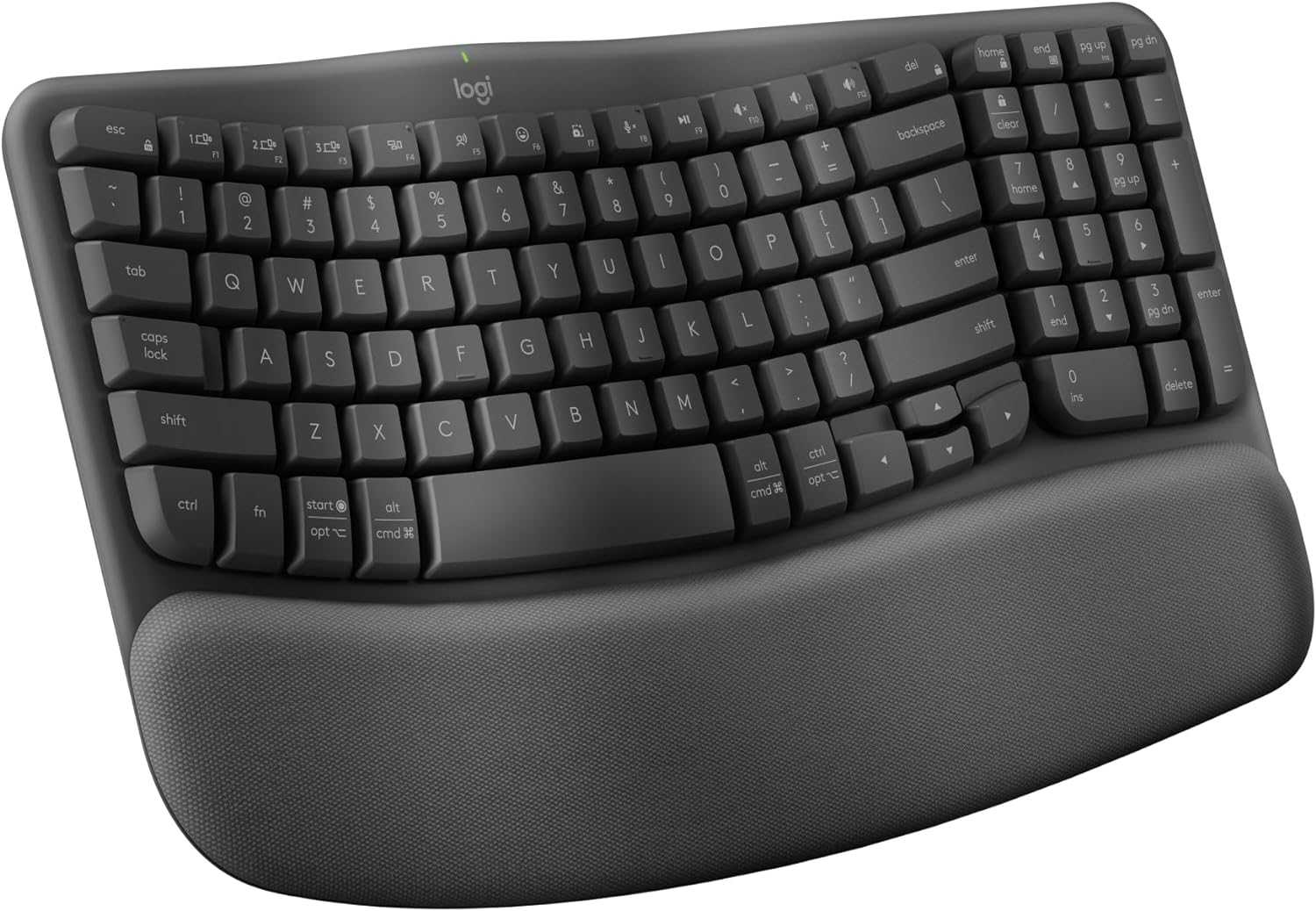
- Low profile reduces wrist extension
- Use the pop-out feet facing toward you for negative tilt
- Pair with a soft wrist rest; avoid hard edges
Ergo typing cheat sheet
- Wrists straight; elbows ~90–110°; shoulders relaxed
- Keyboard height: just below elbow height
- Negative tilt: front lower than back
- Mouse close and level with the keyboard
Complete your ergonomic setup
- Ergonomic chairs (2025)
- Monitor arms for proper height
- Desk lighting that keeps you focused
- Cable management that actually works
Disclosure: As an Amazon Associate, I earn from qualifying purchases. This means I receive a small commission when you buy through links on this page, at no additional cost to you.
 Remote Ready
Leave a comment