In this guide you’ll get:
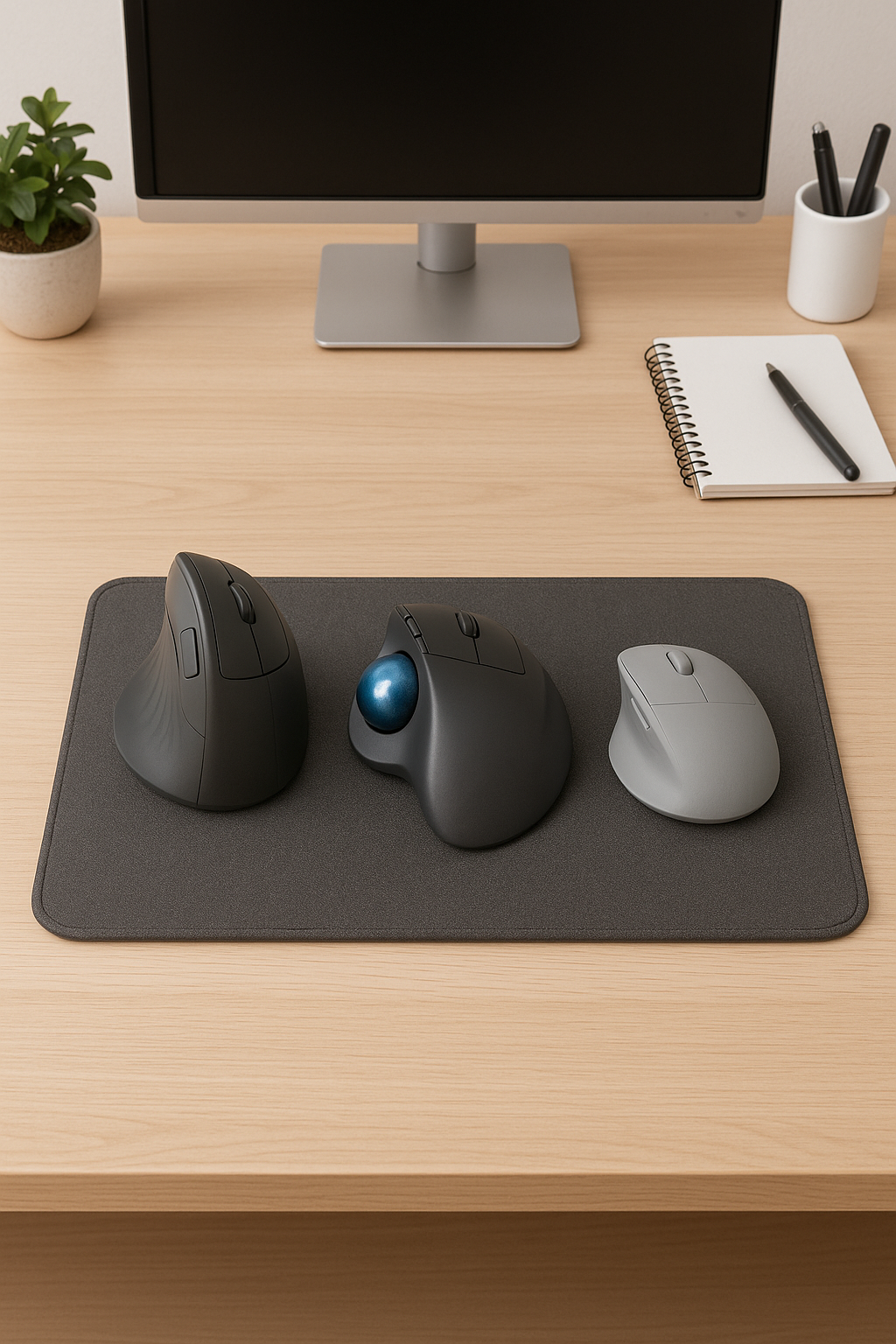
- Vertical mouse pick to ease wrist/forearm strain
- Trackball pick for small desks and precise control
- Ergonomic low-profile/trackpad option for easy adaptation
At a glance
| Type | Best For | Why it works |
|---|---|---|
| Vertical mouse | Wrist/forearm relief | Handshake angle reduces pronation and ulnar deviation |
| Trackball | Small desks, precise control | Arm stays still; thumb/finger ball reduces shoulder reach |
| Ergo low-profile/trackpad | Easy adoption, travel | Low wrist extension; simple, familiar motions |
1) Vertical Mouse — wrist relief without drama
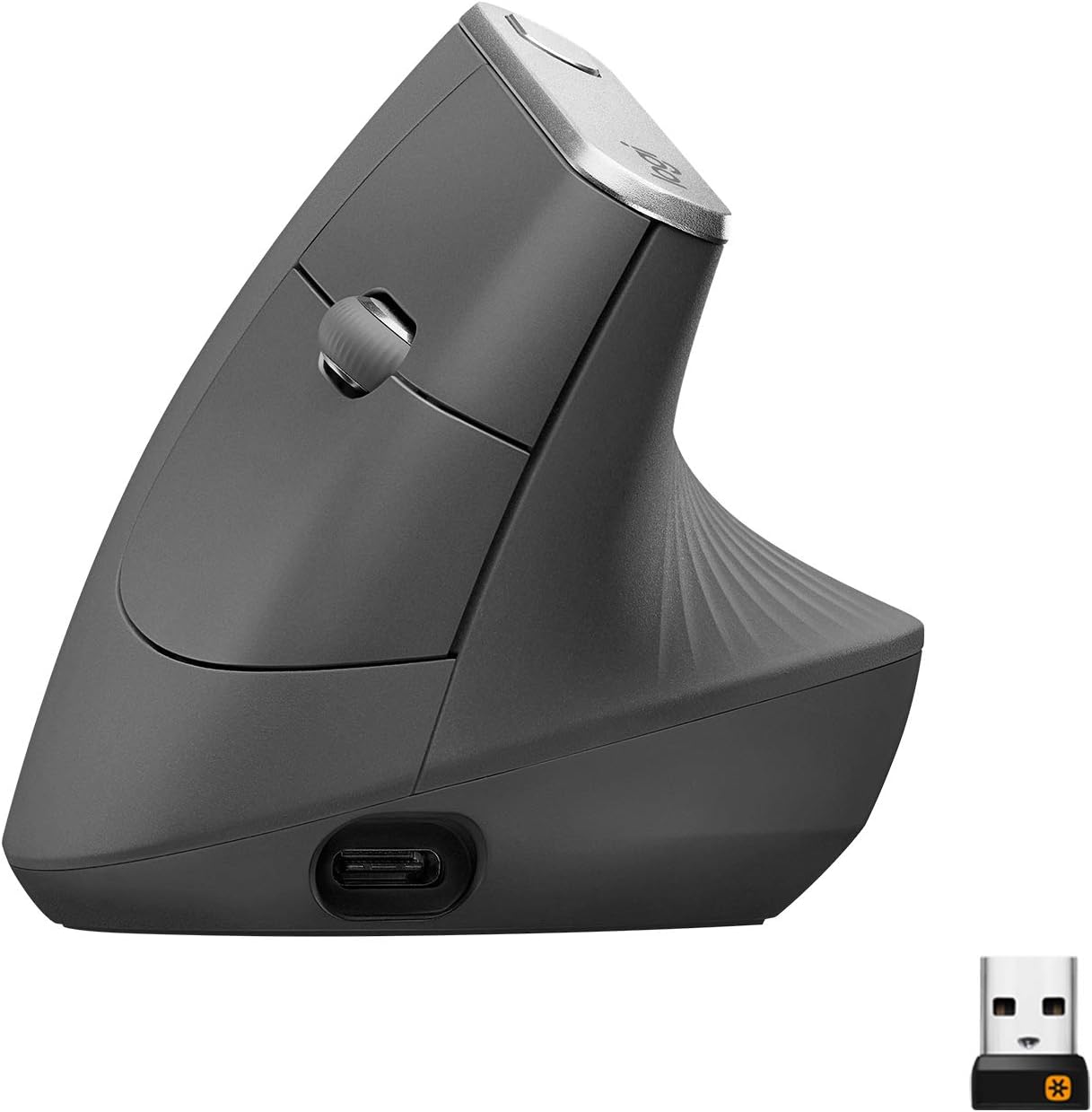
- Fit: pick size that fills your palm; avoid pinching
- Angle: mild to medium tilt (45–70°) is easiest to adapt
- Surface: use a large mat; keep elbow close to body
2) Trackball — precision in tight spaces
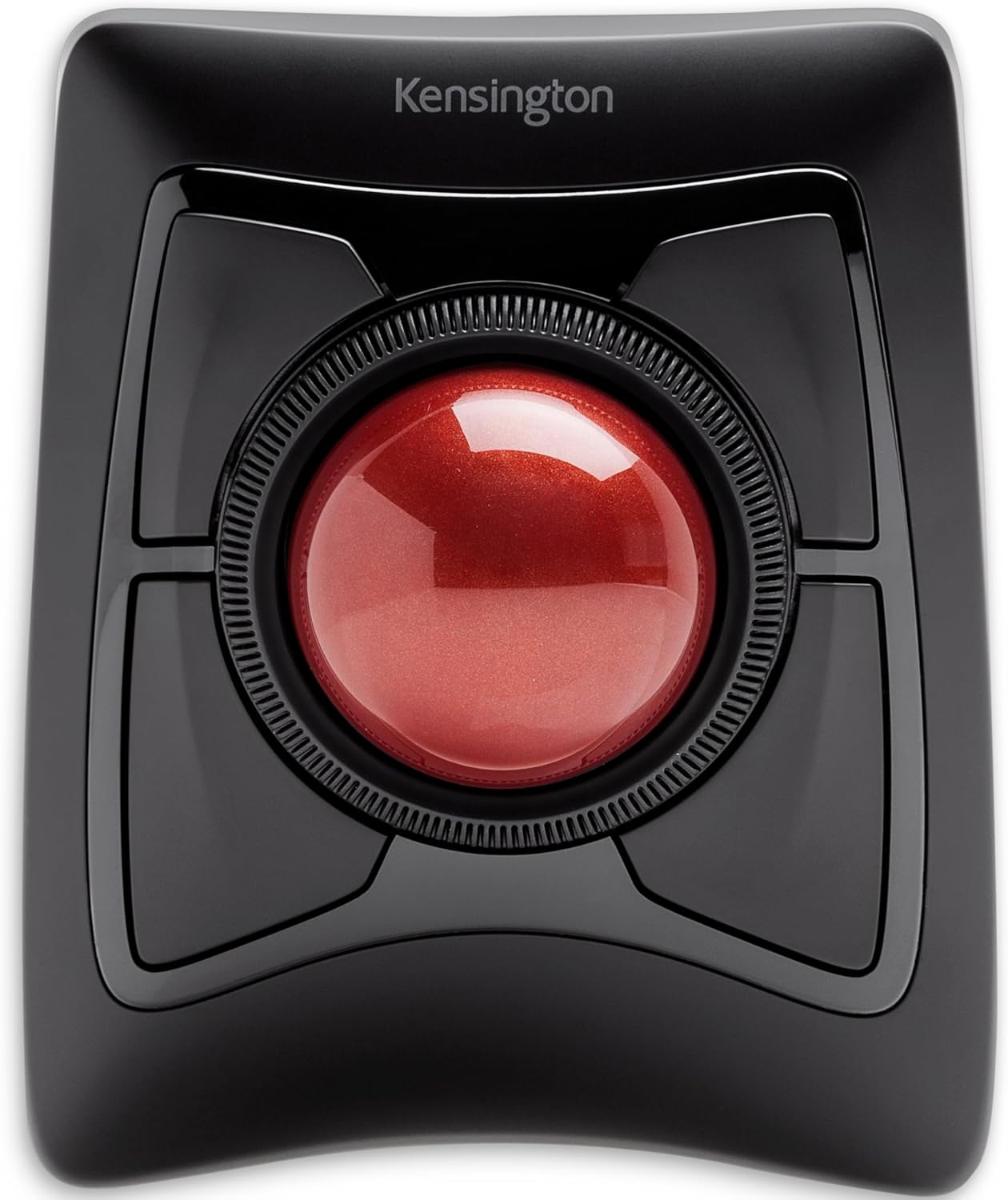
- Thumb vs finger ball: thumb is easier for most; finger ball offers more precision
- Buttons: map scroll/drag to reduce repetitive strain
- Cleaning: wipe the ball and bearings monthly
3) Ergonomic Low-Profile / Trackpad — easy transition
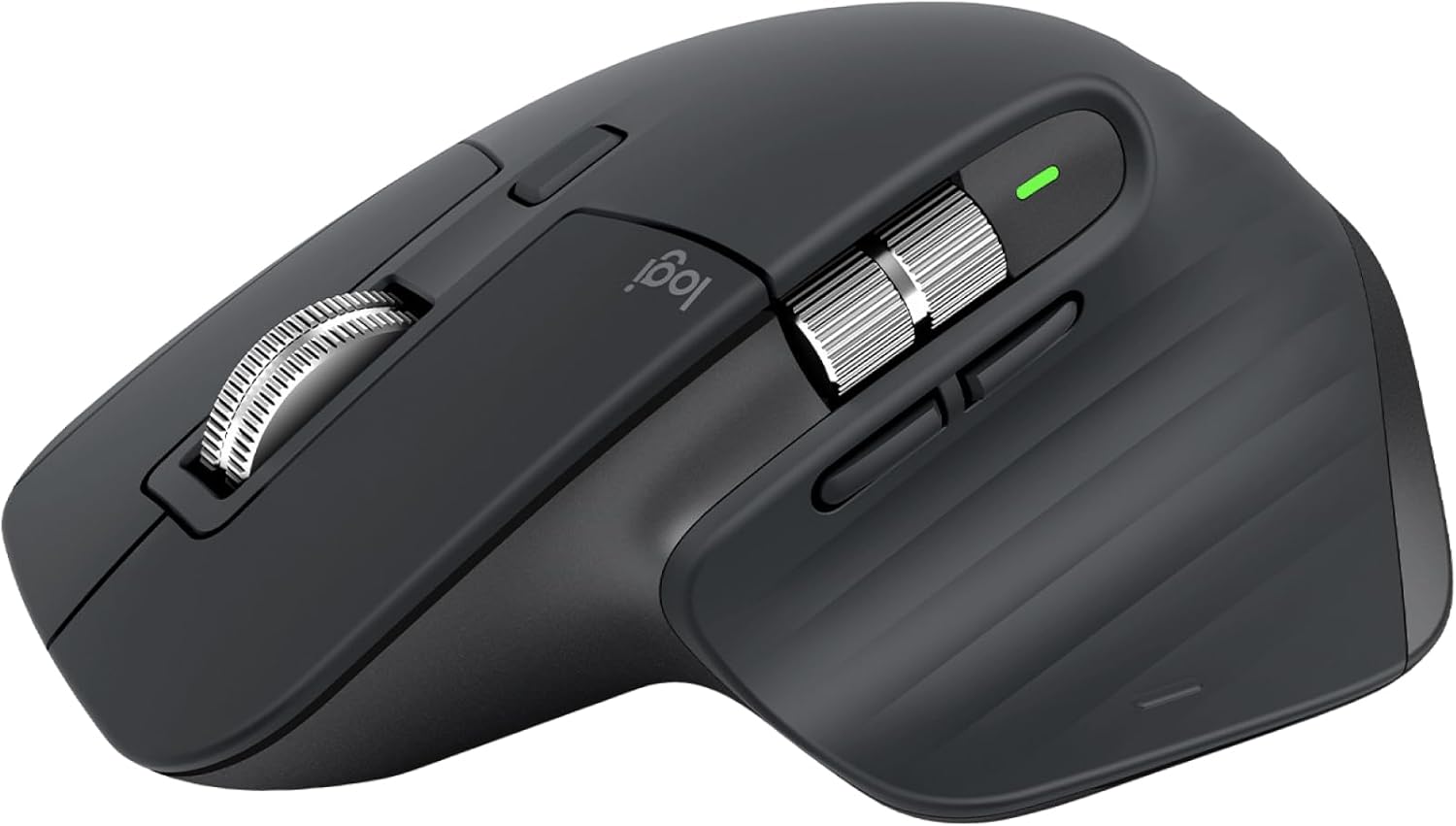
- Use a large mat to keep shoulder and elbow relaxed
- Pair with keyboard height just below your elbows
- Shortcuts: learn 3–4 gestures (drag, mission control, back)
Which one should I pick?
- Wrist pain or forearm tension: go Vertical
- Tiny desk or shared space: go Trackball
- Fast, easy adjustment or travel: go Low-profile/Trackpad
- Regardless: keep elbow close, shoulder relaxed, wrist straight
Build the rest of your ergonomic setup
- Ergonomic chairs (2025)
- Best desks (2025)
- Monitor arms
- Ergonomic keyboards
- Desk lighting
- Cable management
- Webcams
- Microphones
- Headphones
Disclosure: As an Amazon Associate, I earn from qualifying purchases. This means I receive a small commission when you buy through links on this page, at no additional cost to you.
 Remote Ready
Leave a comment