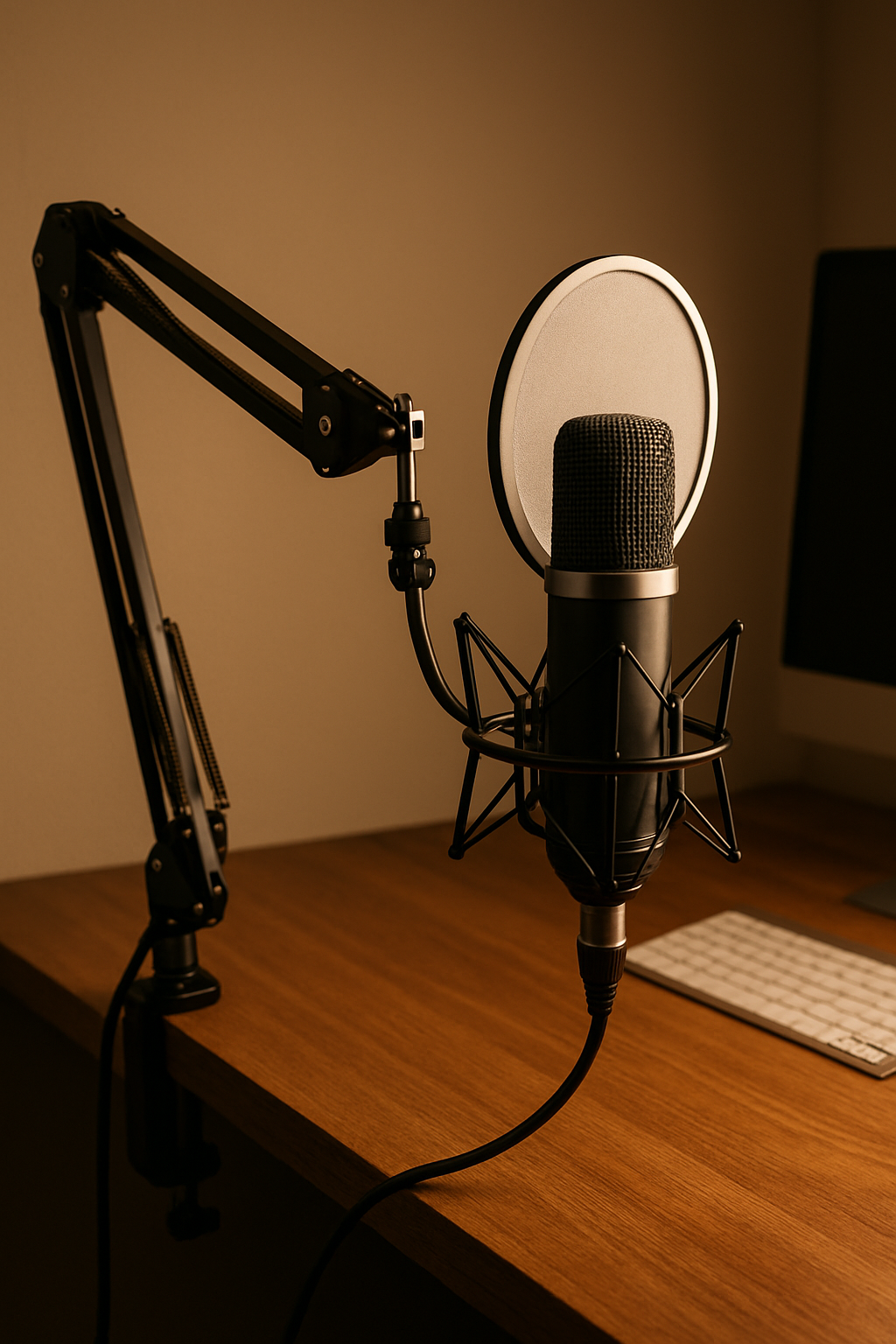
In this guide you’ll get:
- Premium dynamic mic that rejects room noise
- Best-value USB condenser that sounds natural
- Budget clip-on option for plug-and-call simplicity
At a glance
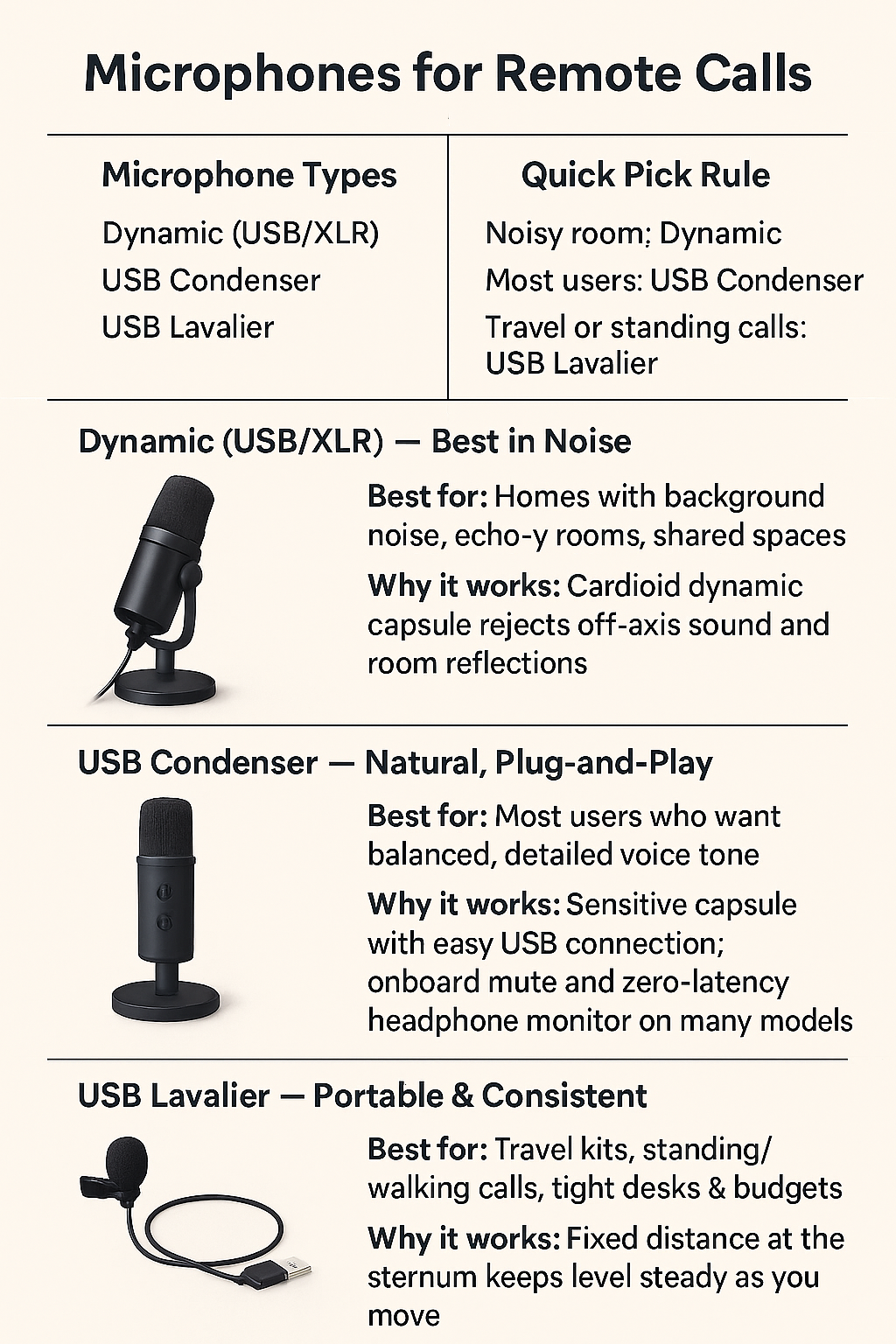
| Pick | Best For | Why it works |
|---|---|---|
| USB/XLR Dynamic | Noisy homes, open rooms | Cardioid dynamic capsule rejects background sound |
| USB Condenser | Balanced, natural tone | Easy USB setup; 24-bit; onboard mute/monitor |
| USB Clip-On Lav | Mobile or tighter budgets | Close to mouth; consistent level; minimal desk clutter |
Premium: USB/XLR Dynamic (noise rejection)
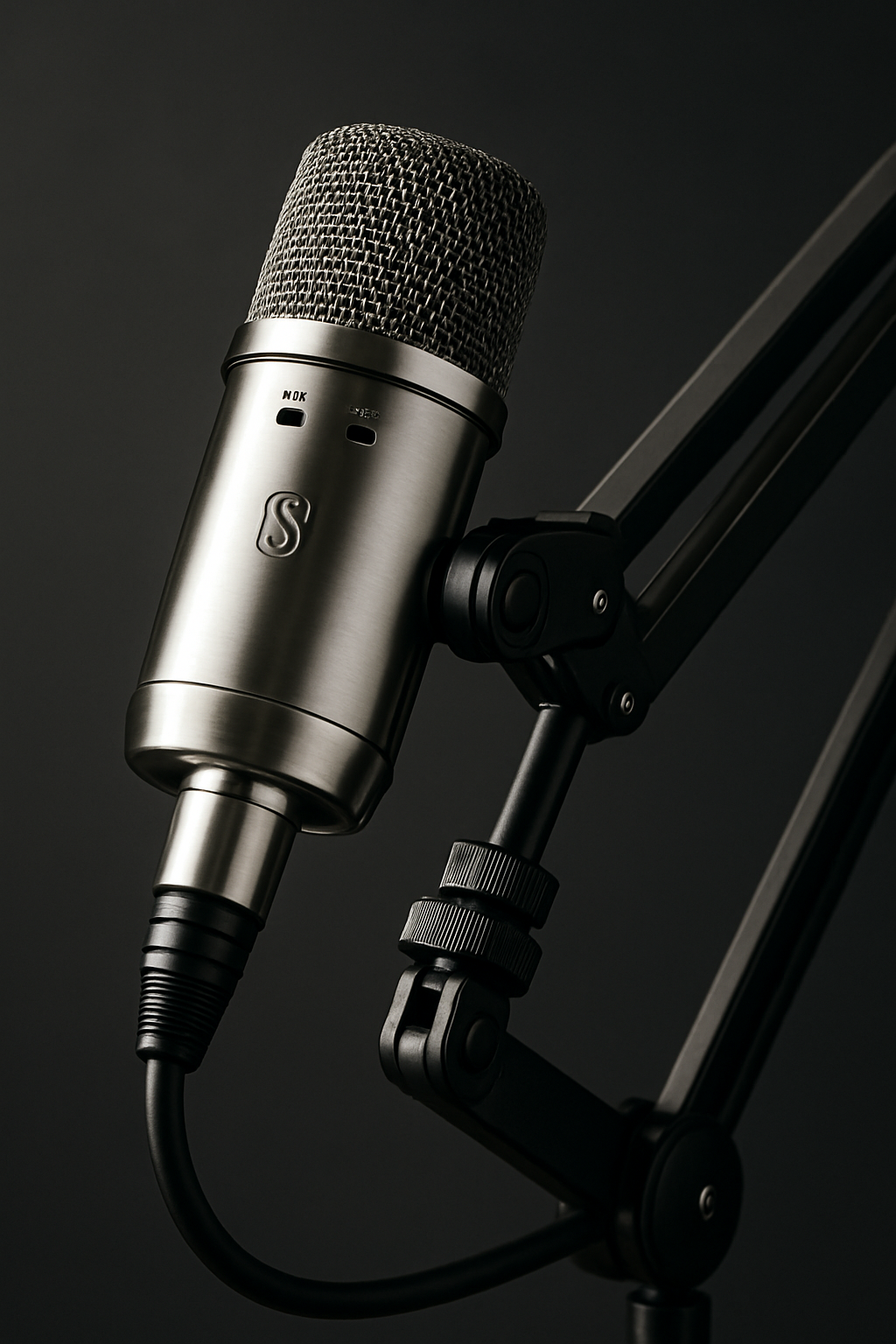
- USB for plug-and-play; XLR for future interface upgrades
- Close-talk (6–8 inches) with a simple pop filter
- Great for shared homes or echo-prone rooms
Best Value: USB Condenser (cardioid, 24-bit)
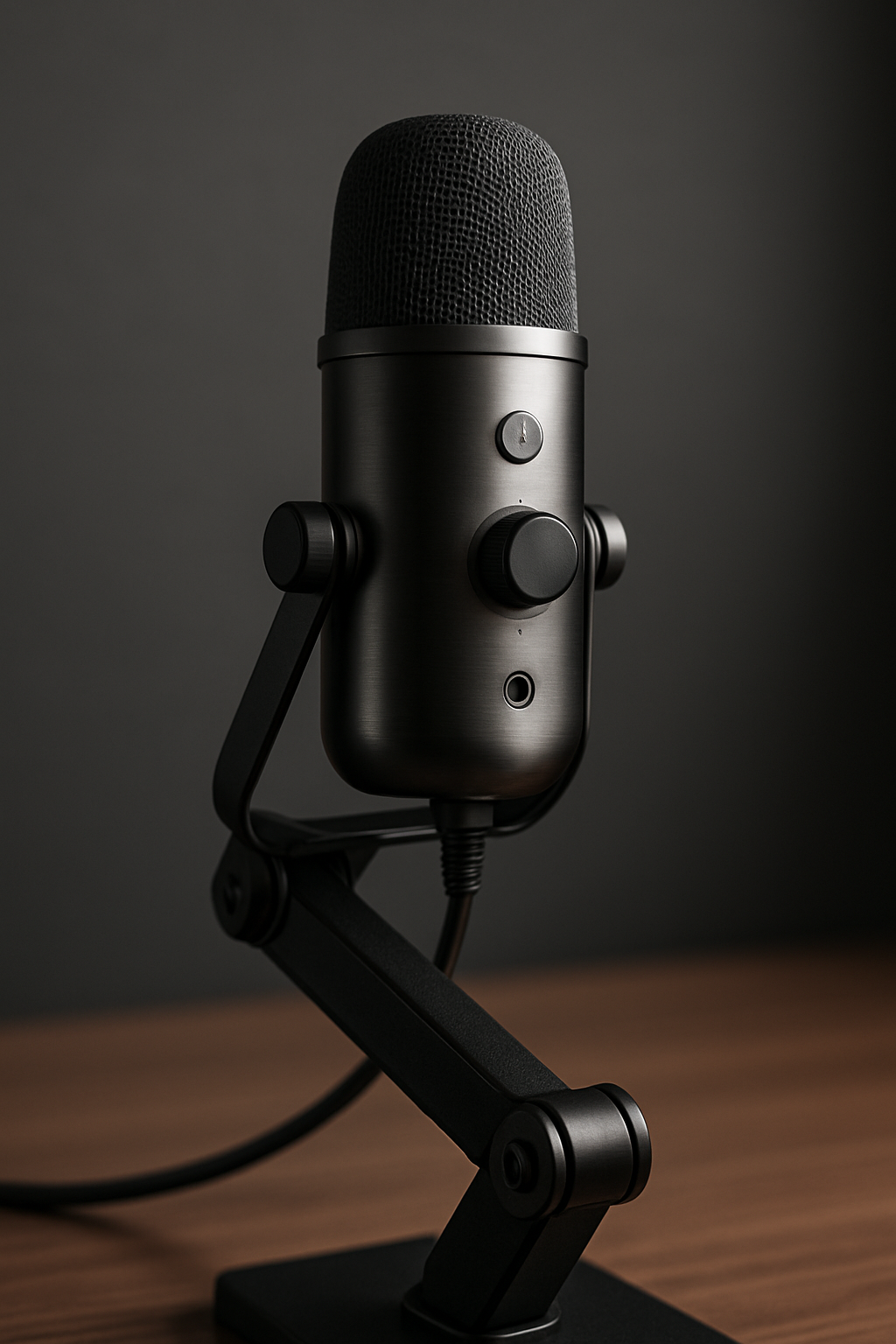
- Cardioid pattern focuses on your voice
- Use a desk arm to keep it 6–10 inches from your mouth
- Set gain so your loudest speech peaks around -10 dB
Budget: USB Clip-On Lavalier
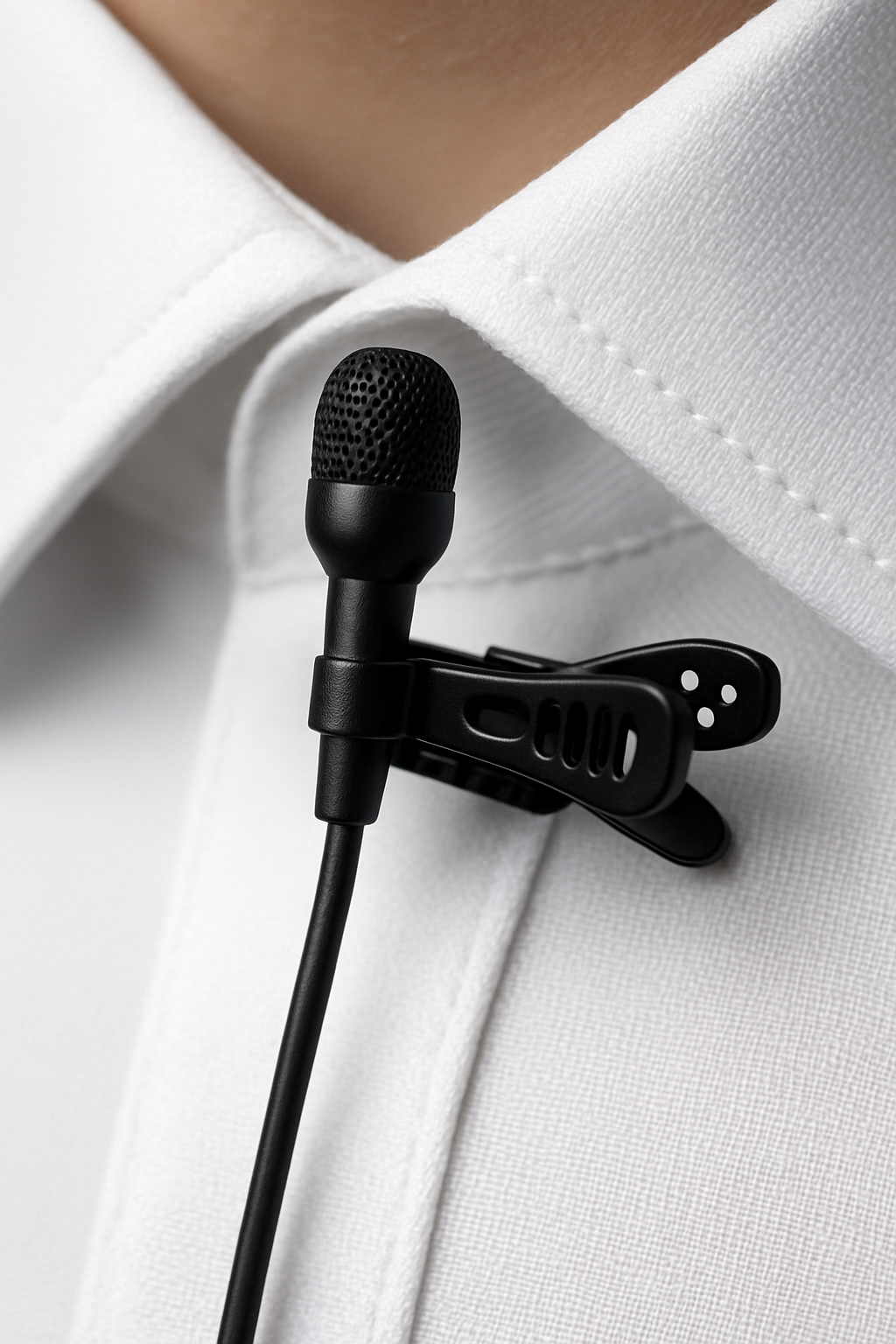
- Clip at sternum height; hide cable with a small loop
- Great for travel or if a boom arm isn’t your vibe
Quick setup cheat sheet
- Distance: 6–8 in (dynamic) • 6–10 in (condenser) • collar height (lav)
- Gain: speak loudly and set peaks around -10 dB
- Filter: add a basic pop filter or foam windscreen
- Monitoring: use headphones to avoid echo/feedback
- Room: soften hard surfaces; face your task light
Build the rest of your on-camera setup
- Webcams that make you look professional
- Desk lighting that flatters your face
- Headphones for remote work
- Monitor arms for perfect framing
- Cable management that actually works
Disclosure: As an Amazon Associate, I earn from qualifying purchases. This means I receive a small commission when you buy through links on this page, at no additional cost to you.
 Remote Ready
Leave a comment