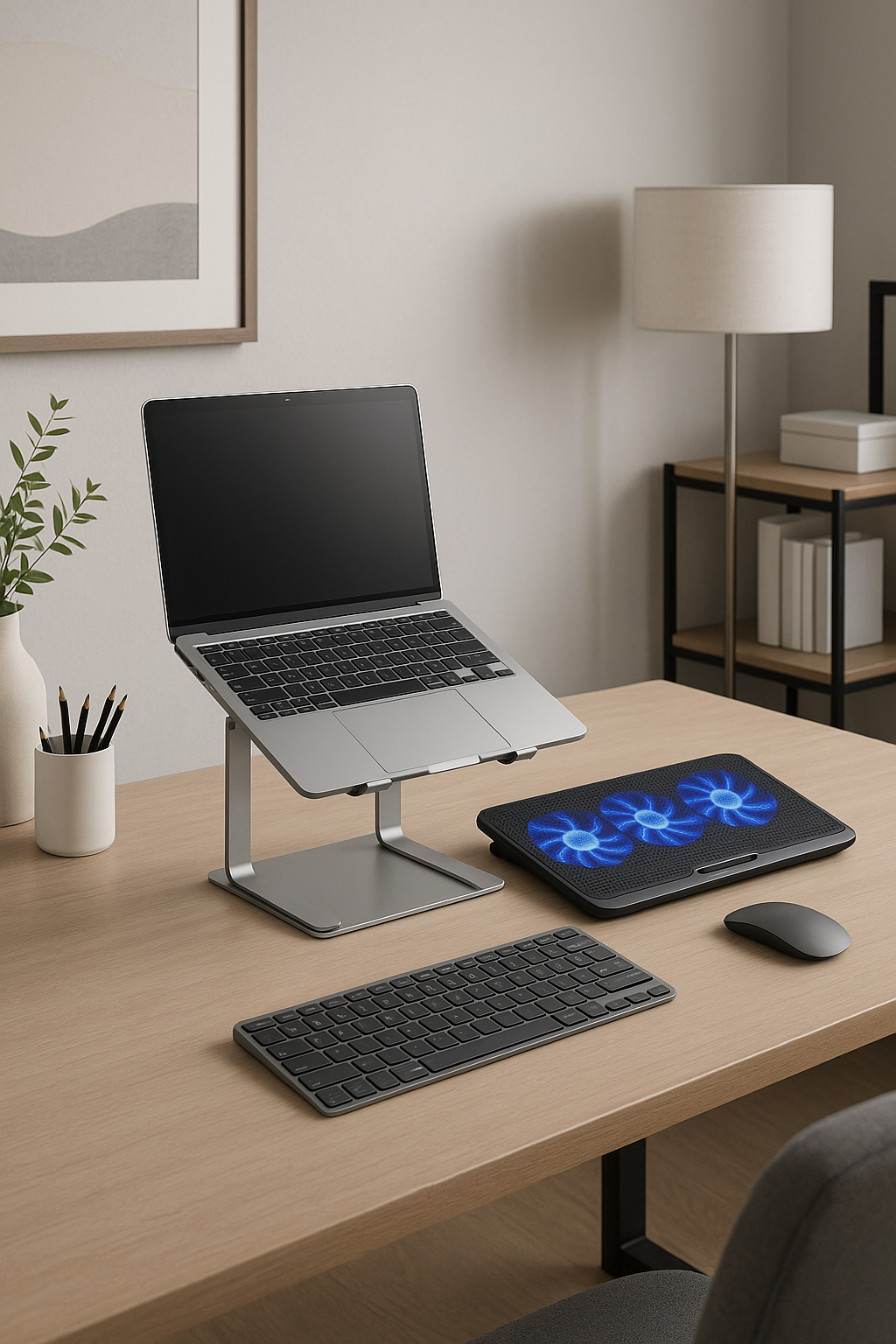
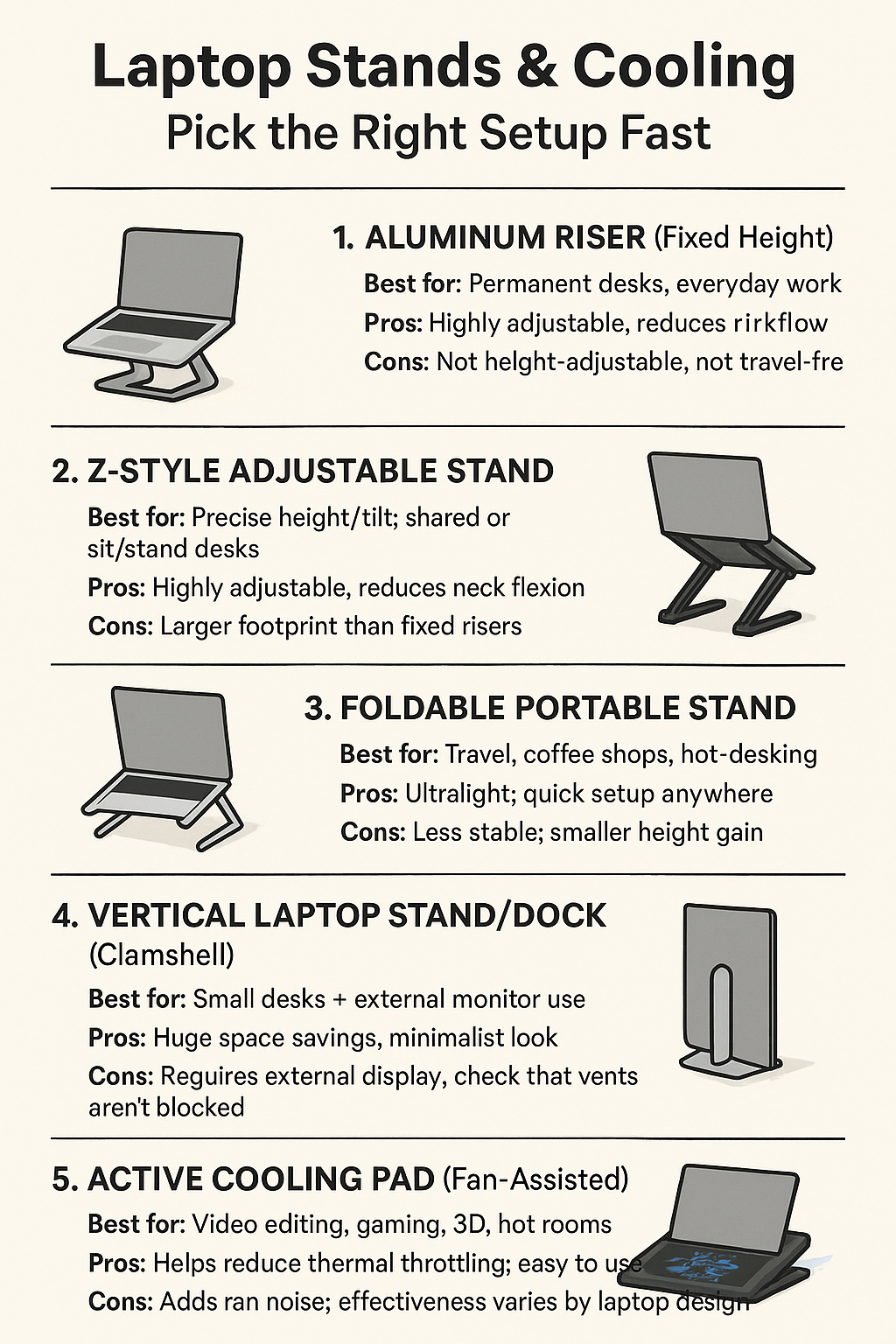
Short answer: use a stand for posture and a cooling strategy to prevent thermal slowdowns. A fixed aluminum riser is the simplest ergonomic upgrade. If you need height and angle tweaks, a Z-style stand is more flexible. For mobility, go foldable. When temps spike, an active cooling pad can cut internal temperatures and reduce throttling during heavy workloads.
In this guide you’ll get:
- A quick verdict by use-case (desk, couch, travel, high-load work)
- An at-a-glance table comparing stand and cooling types
- Field-tested picks with “check price” links
Quick picks
- Best desk ergonomics: Aluminum laptop riser (fixed height)
- Most adjustable: Z-style height/angle stand
- Travel friendly: Foldable portable stand
- Small desks + clamshell: Vertical laptop stand/dock
- When temps spike: Active cooling pad (dual/quad fans)
Jump to
- At a glance
- 1) Aluminum Riser (fixed height)
- 2) Z-Style Adjustable Stand
- 3) Foldable Portable Stand
- 4) Vertical Stand/Dock
- 5) Active Cooling Pads
- Cooling tips that actually work
- Which setup wins for you?
At a glance
| Type | Best For | Ergonomics | Cooling Impact | Portability | Typical Price |
|---|---|---|---|---|---|
| Aluminum Riser (fixed) | Permanent desk setups | Excellent eye-level screen; stable | Good passive airflow | Low | $30–$60 |
| Z-Style Adjustable | Precise height/tilt adjustments | Excellent; dial-in posture | Good passive airflow | Medium | $40–$90 |
| Foldable Portable | Travel, hot-desking | Good if paired w/ ext. keyboard | Decent airflow; lighter duty | High | $20–$40 |
| Vertical Stand/Dock | Clamshell + external display | Great desk space savings | Neutral; depends on vents | Medium | $20–$60 |
| Active Cooling Pad | High loads; hot rooms | N/A (goes under laptop) | High (fan-assisted cooling) | Medium | $25–$150 |
1) Aluminum Riser (fixed height)
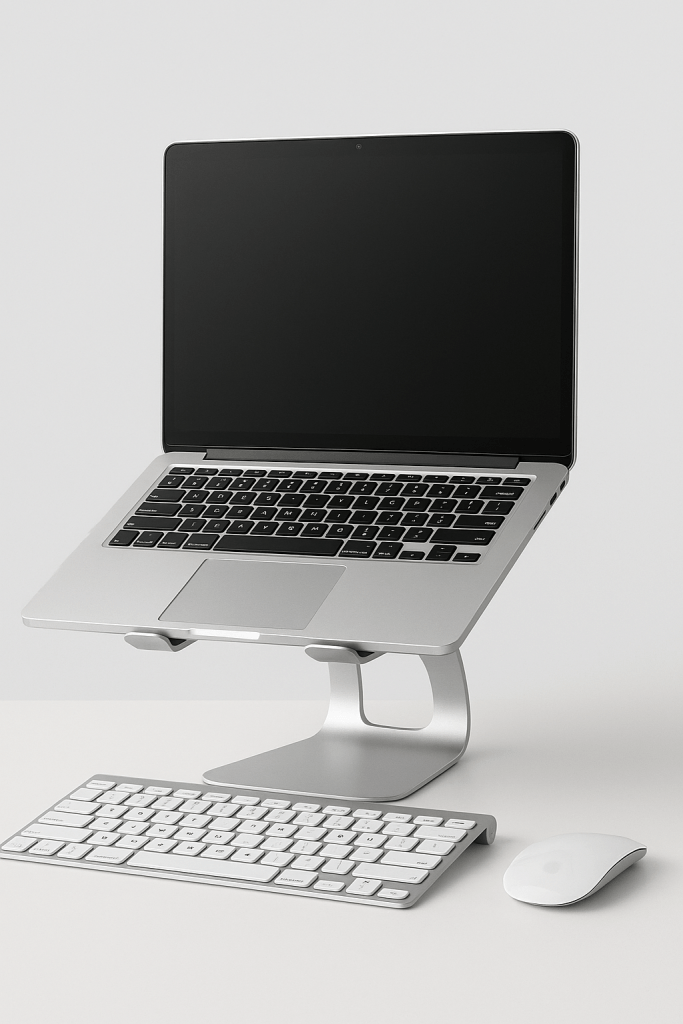
Why pick this: the most stable way to put your screen at eye level for long desk sessions. Solid aluminum acts as a passive heat spreader and improves underside airflow. For all-day use, add an external keyboard and mouse so your wrists and shoulders stay neutral.
- Pros: rock-solid, tidy cable runs, passive cooling
- Cons: not height-adjustable; not travel-friendly
Best pick: Aluminum laptop riser (check price)
2) Z-Style Adjustable Stand

Why pick this: you can fine-tune height and tilt for your chair and desk. Great if you alternate between sitting and standing or if multiple people share the same workstation.
- Pros: highly adjustable, stable enough for typing in a pinch
- Cons: bulkier than fixed risers; heavier for travel
Best pick: Adjustable Z-style stand (check price)
3) Foldable Portable Stand
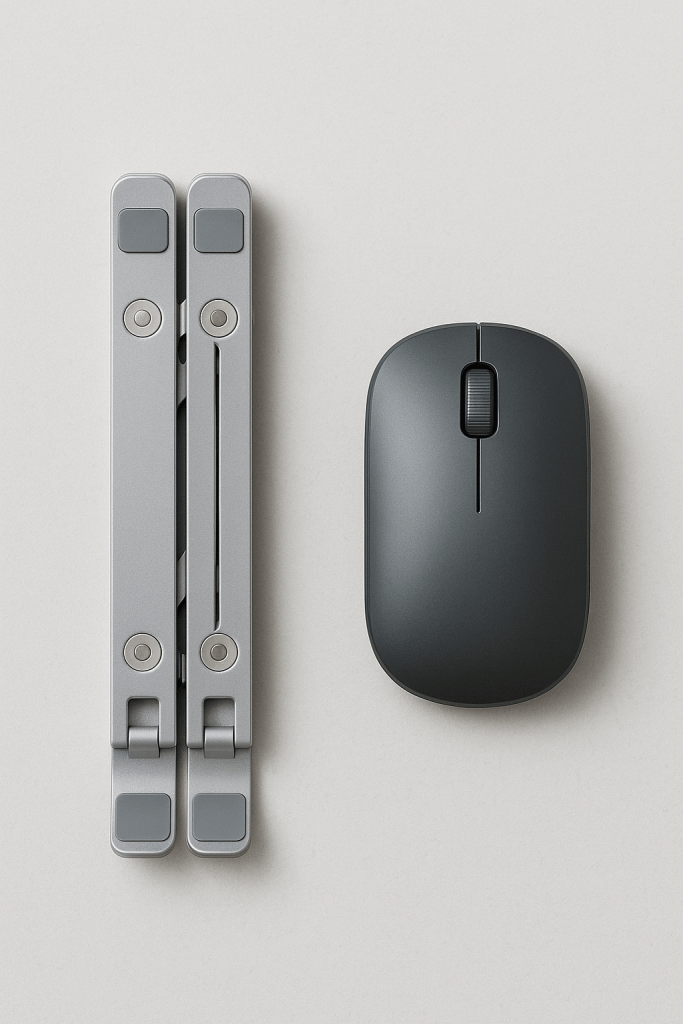
Why pick this: it folds into your bag but still raises the rear edge for better viewing and airflow. Pair with a compact keyboard to avoid hunching over the laptop.
- Pros: ultra-portable, quick setup
- Cons: less stable than desk-first stands; smaller height gains
Best pick: Foldable portable stand (check price)
4) Vertical Laptop Stand/Dock
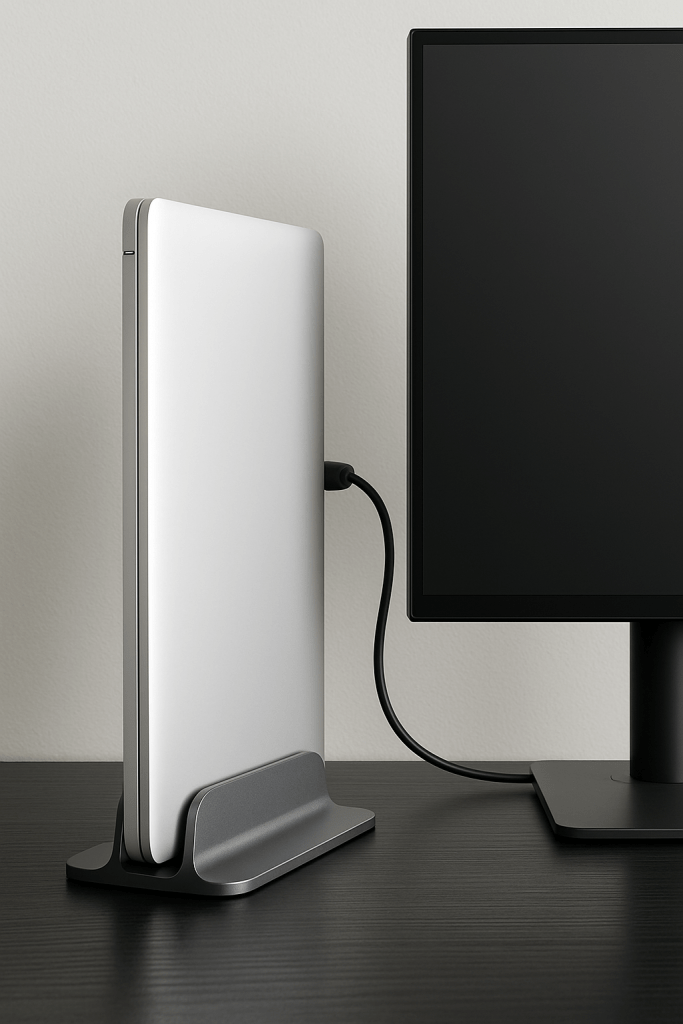
Why pick this: perfect for small desks. Slot your laptop vertically, connect to a monitor, and keep the footprint minimal. Ensure vents aren’t blocked and use a hard, flat surface.
- Pros: biggest space savings; clean look
- Cons: relies on external display; check vent placement and power needs
Best pick: Adjustable vertical stand/dock (check price)
5) Active Cooling Pads (fan-assisted)
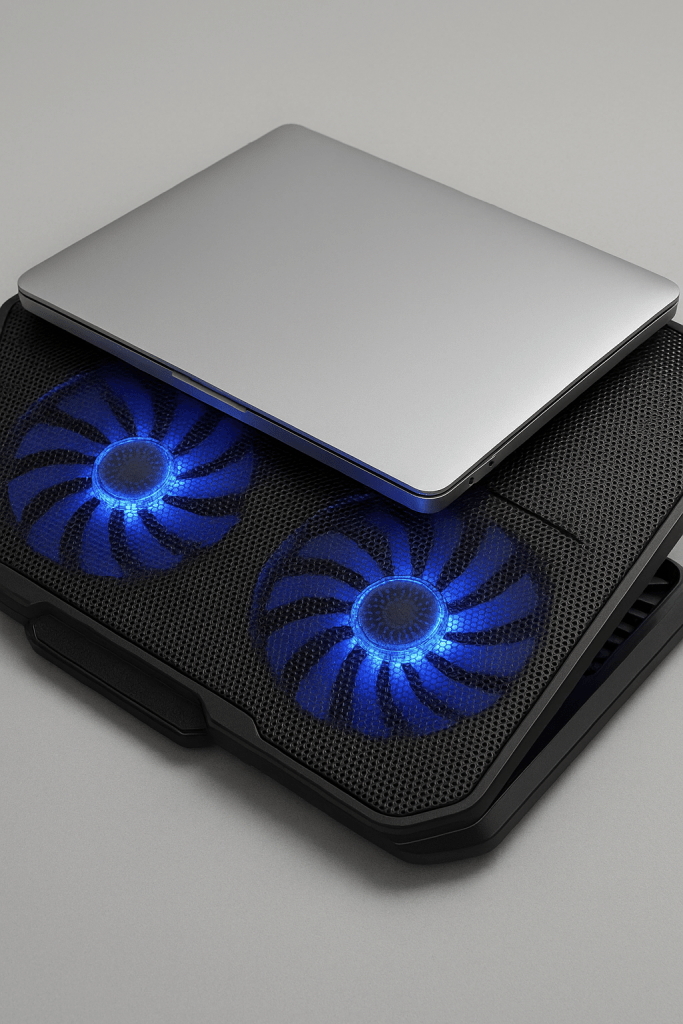
Why pick this: during video editing, gaming, 3D, or hot summer days, internal temps climb and the CPU/GPU may throttle. Fan-assisted pads can measurably reduce temperatures, helping sustain performance under load.
- Pros: noticeable temp drops under load; affordable; simple to use
- Cons: adds fan noise; needs USB power; effectiveness varies by laptop intake/exhaust design
Best pick: Dual/quad-fan cooling pad (check price)
Premium option: Razer Cooling Pad (check price)
Cooling tips that actually work
- Don’t block vents: keep the laptop on a hard, flat surface; avoid couches and beds.
- Give it air: a stand that raises the rear edge improves underside intake/exhaust.
- Clean the dust: periodically blow out vents with short, controlled bursts of compressed air.
- Tame the room: high ambient temps raise idle and load temps; a small desk fan helps.
- Power settings: Balanced or silent modes reduce heat when you’re not rendering or gaming.
- External keyboard/mouse: essential with stands for neutral shoulders and straight wrists.
Which setup wins?
- All-day desk comfort: Aluminum riser + external keyboard/mouse
- Precise ergonomics or shared desk: Z-style adjustable
- Travel and hot-desking: Foldable portable
- Tiny workspace with external monitor: Vertical stand/dock
- Heavy workloads or hot rooms: Active cooling pad under the laptop
Build your desk setup
- Monitor arms: the missing piece
- Cable management that actually works
- Webcams that make you look professional
- Standing desk accessories
Disclosure: As an Amazon Associate, I earn from qualifying purchases. This means I receive a small commission when you buy through the links on this page, at no additional cost to you.
 Remote Ready
Leave a comment