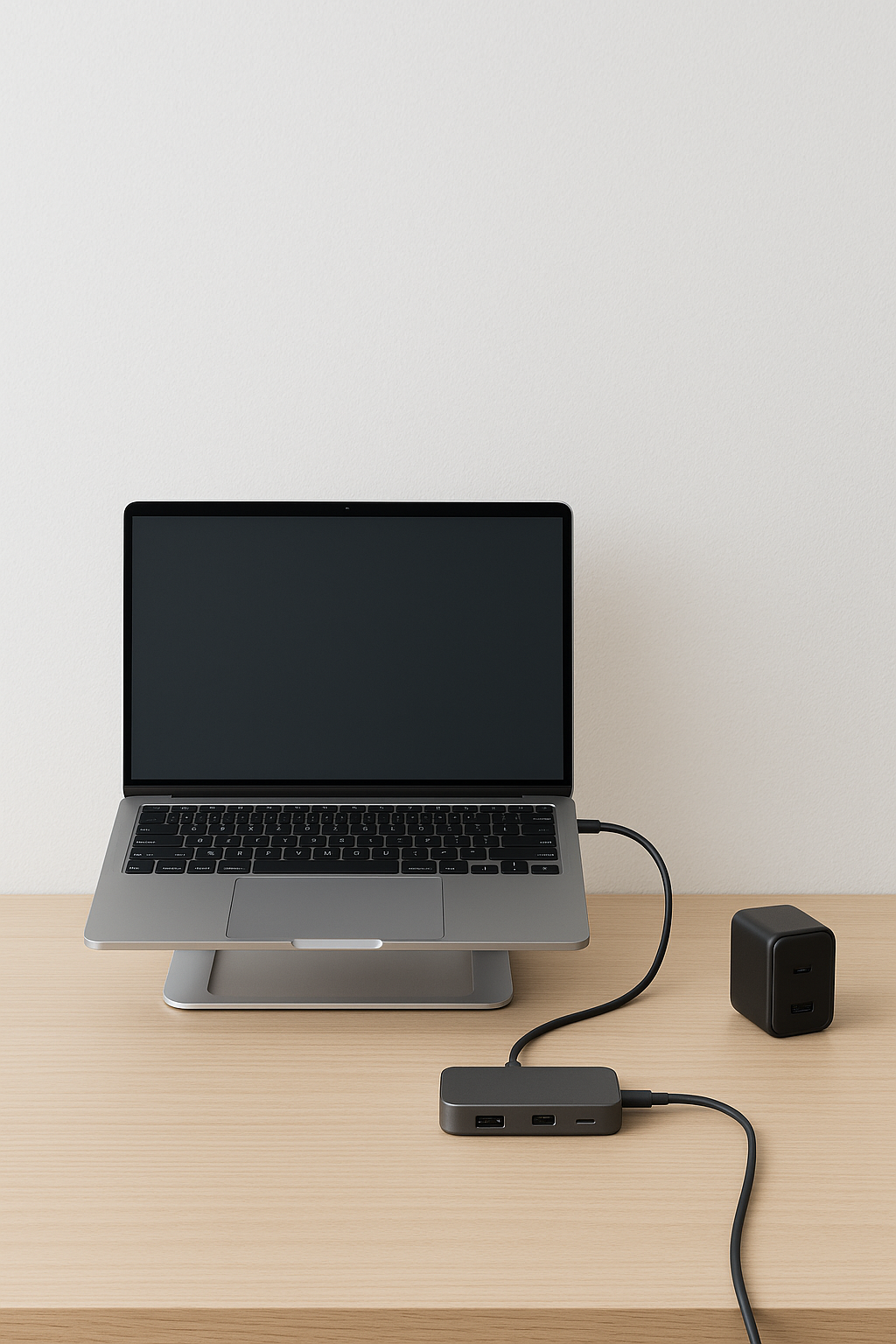
Short answer: raise your screens, centralize your ports, simplify power. Add a stand for posture and airflow, a hub/dock for one-cable life, and a GaN charger to shrink the power bricks.
Quick picks
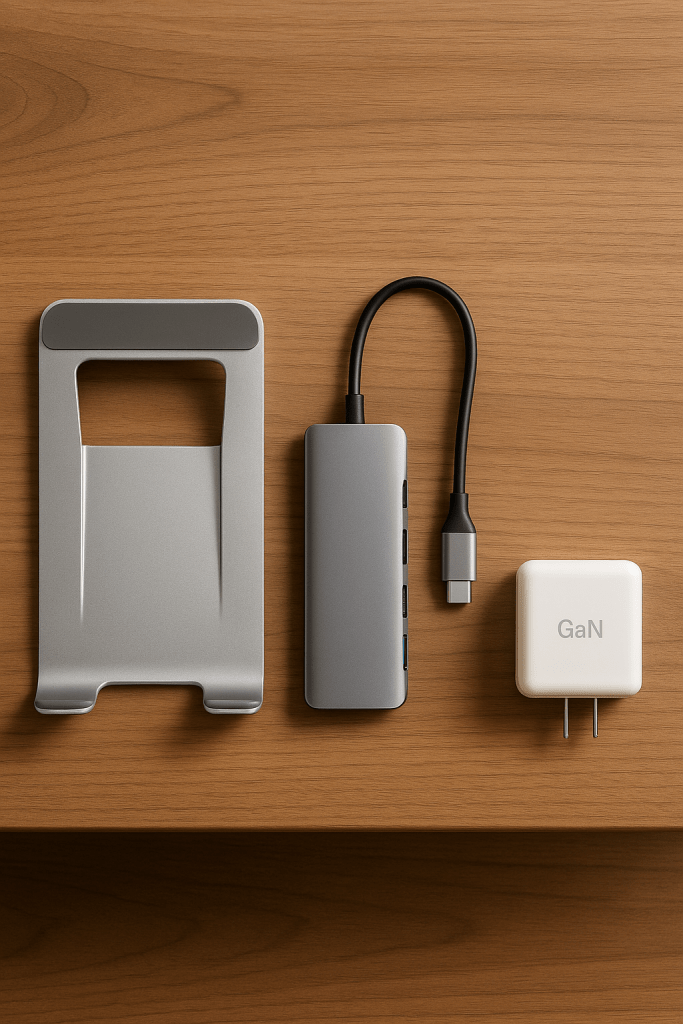
At a glance
| Category | Fixes | Best for | Effort | Cost |
|---|---|---|---|---|
| Stands | Screen height, posture, airflow | All-day desk comfort | Low | $20–$90 |
| Hubs & Docks | Port shortage, cable chaos | One-cable laptop life | Medium | $35–$350 |
| Chargers | Brick clutter, slow charging | Multi-device power | Low | $25–$150 |
1) Stands that declutter and align
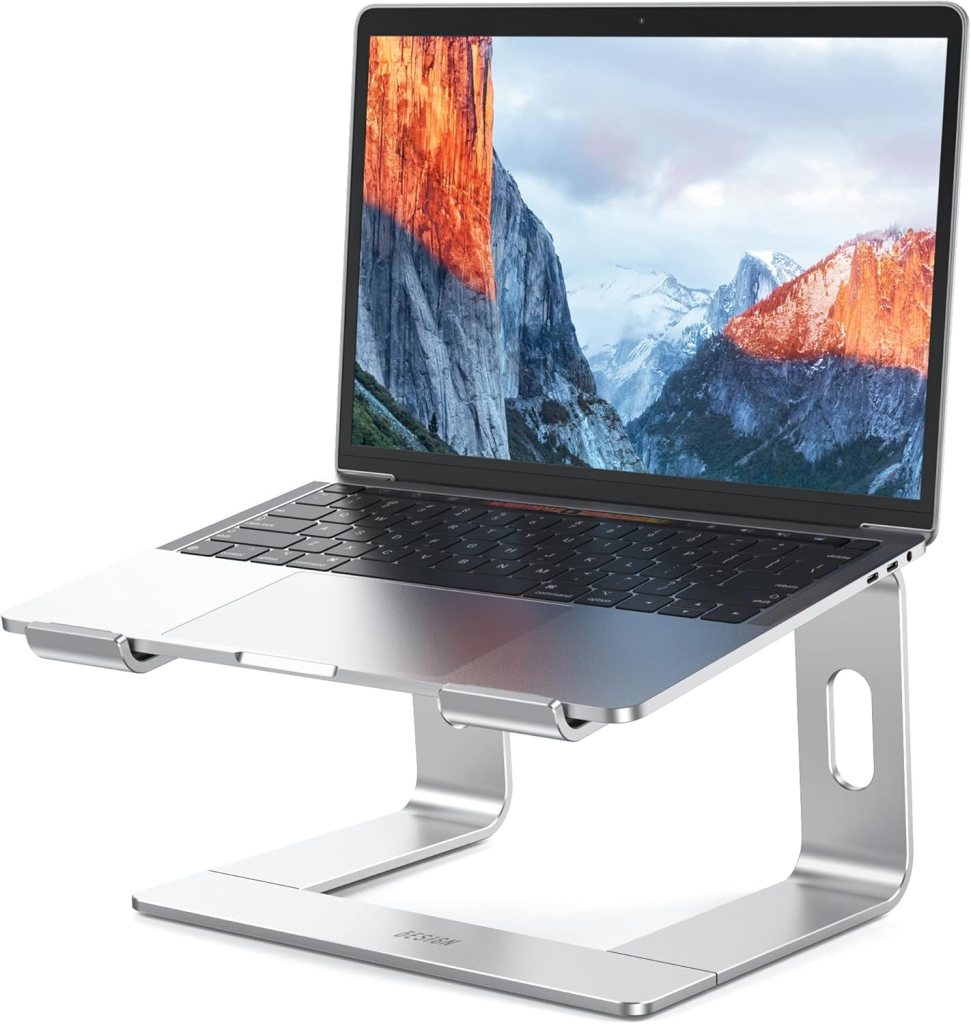
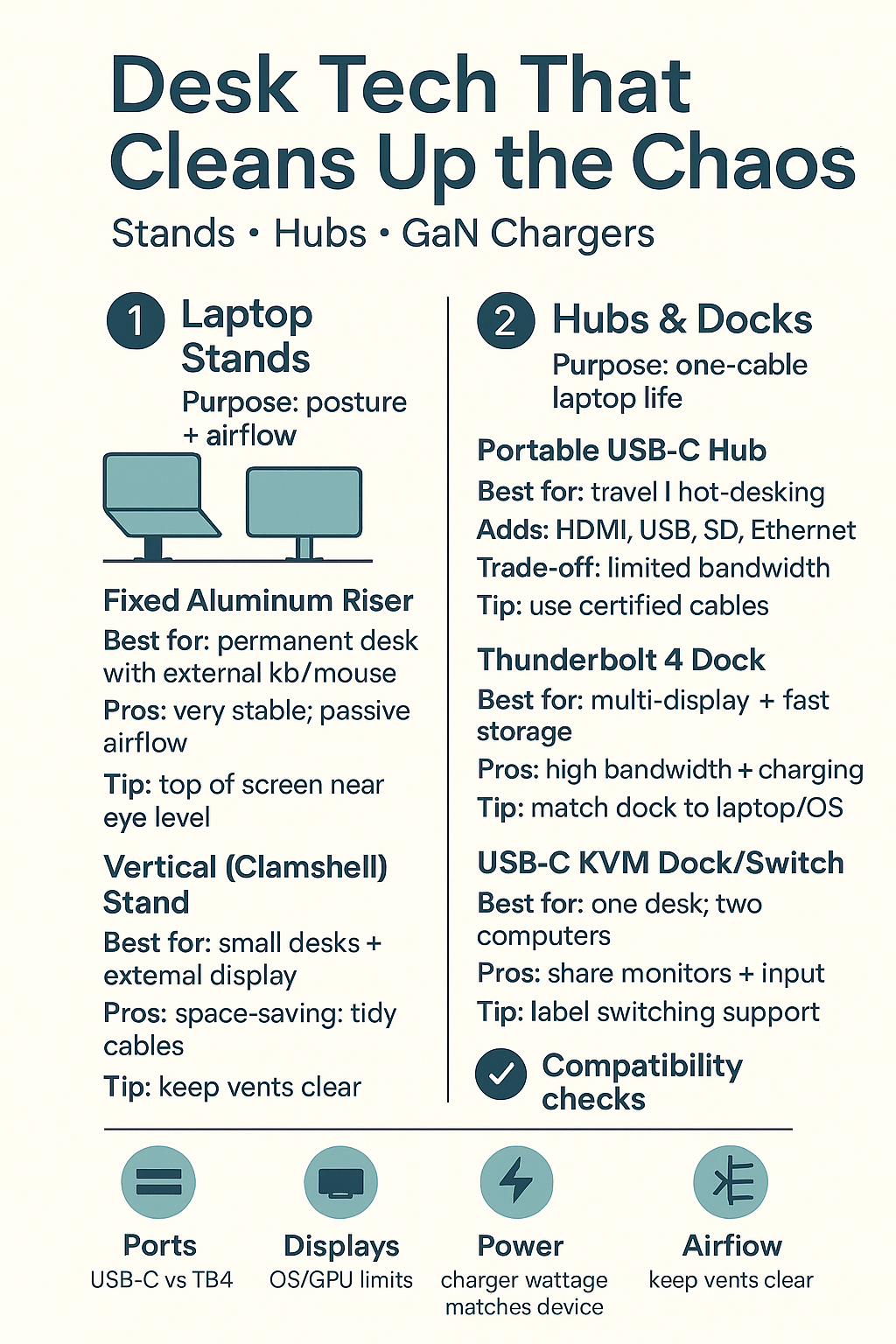
Pick a style: fixed aluminum for stability, Z-style for dialed height and tilt, or vertical clamshell to reclaim desk space with an external display.
2) Hubs & docks that tame cables
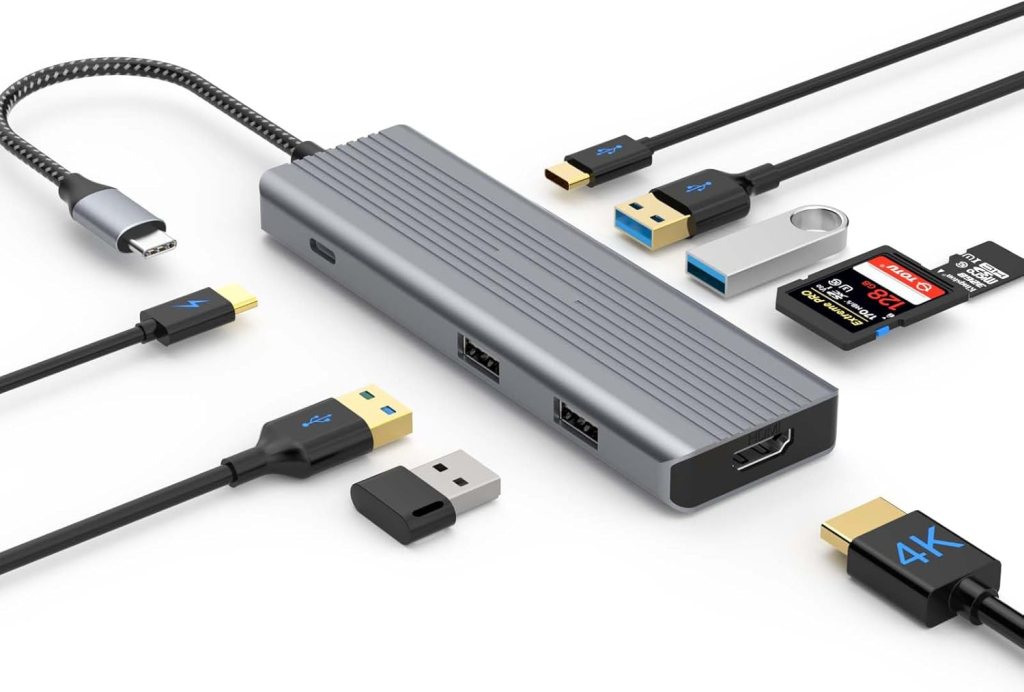
Choose your anchor: portable USB-C hubs for travel/hot-desks, Thunderbolt 4 docks for bandwidth and charging, or a USB-C KVM dock to share one setup between two computers.
3) Chargers that simplify power
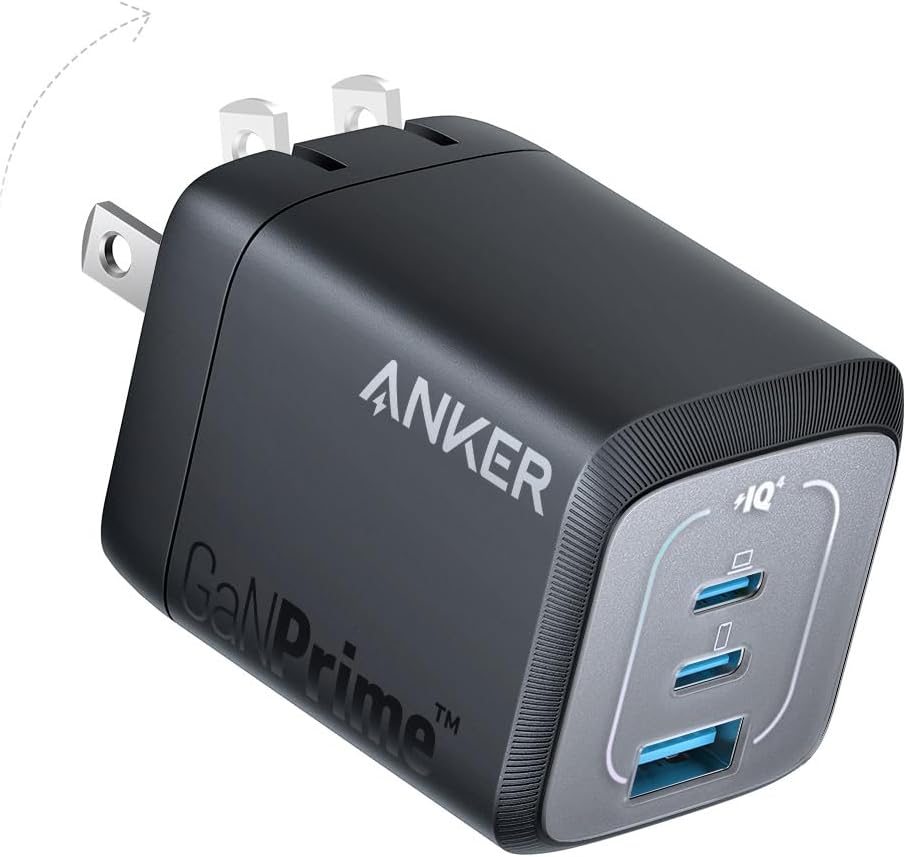
Go GaN: multi-port USB-C chargers handle laptop + phone. For desk/nightstand, a 3-in-1 wireless stand cleans up cables. Hide power under the desk for a truly minimal look.
Which combo wins?
Pick a recipe and go:
Build your desk setup
Disclosure: As an Amazon Associate, I earn from qualifying purchases. This means I receive a small commission when you buy through the links on this page, at no additional cost to you.
 Remote Ready
Leave a comment