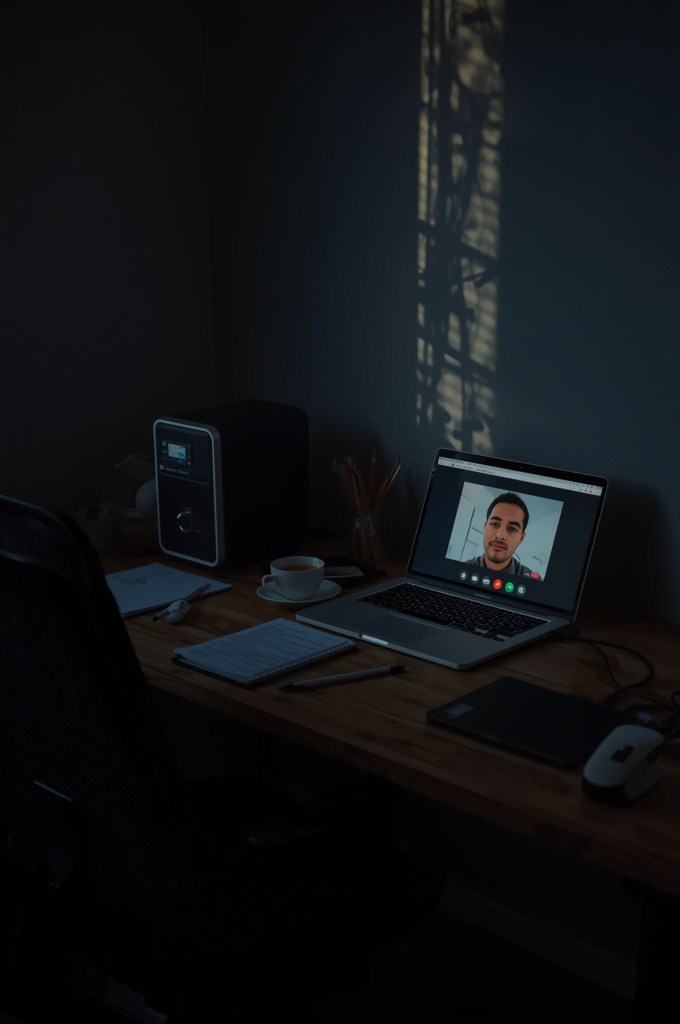
Cold-open: Ten minutes into a client demo, the lights flicker, fans stop, and your Wi-Fi face freezes on the most unflattering frame humanly possible. Then: black. A minute later the power returns, but the meeting has already moved on without you. This post is how to make sure that never happens again.
In this guide you’ll get:
- Simple UPS picks for three WFH setups: network-only, laptop/desktop, and high-draw rigs.
- Quick sizing rules so you buy the right capacity (no math degree required).
- A 5-minute “outage drill” to test your setup before it counts.
Quick picks:
- What a UPS actually does
- How to size your UPS (fast)
- Recommended models
- 5-minute outage drill
- Setup & maintenance checklist
What a UPS actually does
A UPS (uninterruptible power supply) is a smart battery that gives you a few to dozens of minutes of clean power during outages and brownouts. That window is your lifeline to save work, keep your camera and mic up, and finish the call instead of apologizing in Slack later.
- Battery backup: keeps critical gear on when the lights flicker or drop.
- Voltage regulation: smooths minor dips/spikes so your devices don’t reboot.
- Surge protection: filters nastier spikes that can kill power bricks.
How to size your UPS (fast)
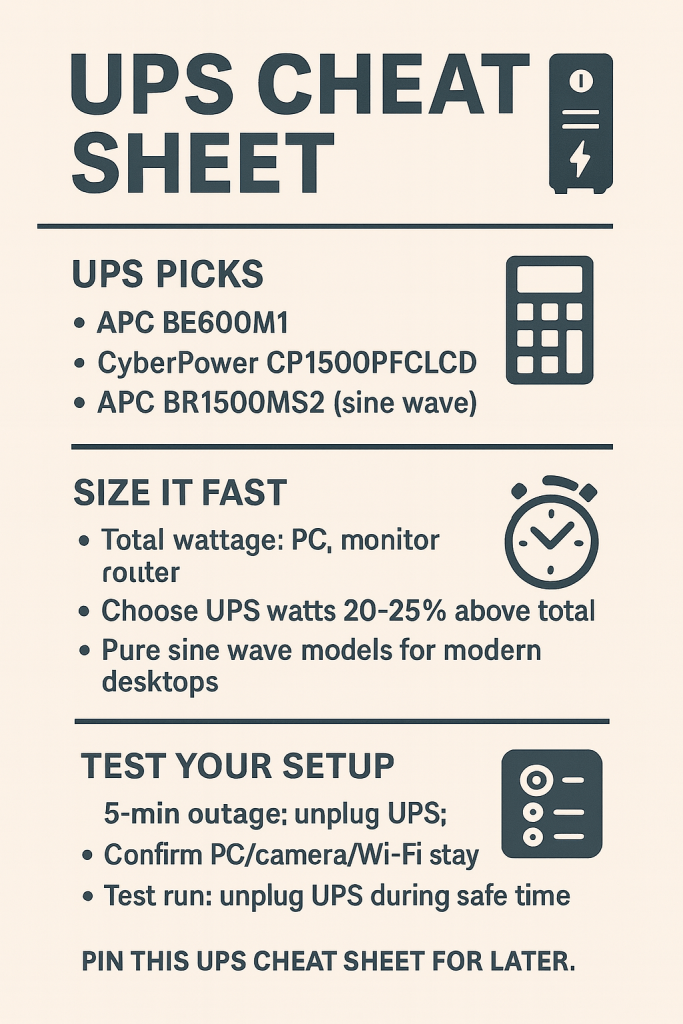
Rule of thumb: add up the watt draw of what you’re backing up (PC or laptop charger, monitor, router). Buy a UPS with output watts that are ~20–25% higher than that total. Focus on watts, not just VA.
Example: Laptop charger (100 W) + monitor (30 W) + router (15 W) ≈ 145 W. Choose a UPS rated around 180–200 W or higher. For modern desktops with active PFC power supplies, pick a pure sine wave model for clean switchover.
Why this matters: Manufacturer guidance generally recommends leaving ~20–25% headroom above your total load, and active-PFC PSUs behave better with sine-wave UPS models during transfer. Reference.
UPS picks that actually work in a home office
1) Keep the internet up (router + modem, small draw)
Pick: APC BE600M1 (600VA / 330W) — compact, affordable, enough to keep your gateway and router online for typical short outages.
Specs snapshot: 5 battery + 2 surge outlets, 600 VA / 330 W, standby topology.
2) Best for most desktops or a laptop + monitor
Pick: CyberPower CP1500PFCLCD (1500VA / 1000W, pure sine) — line-interactive, PFC-friendly, informative LCD, lots of outlets.
Here’s what I use now: this exact unit under my desk. It’s quiet and has already saved calls this year. Check price.
3) High-draw rigs (workstation, Mac Studio, gaming PC)
Pick: APC Back-UPS Pro BR1500MS2 (1500VA / 900W, sine wave) — pure sine wave output plus USB-C/A charging and a clear LCD. Great for sensitive or higher-watt gear.
4) Tiny DC UPS (network only, ultra-compact)
Pick: TalentCell Mini UPS — powers 5V/9V/12V devices directly (router, ONT, access point) without using AC outlets. Ideal if your laptop battery is fine and you just need Wi-Fi up.
How much time do you actually get?
At light loads (network + laptop charger), expect roughly 30–60 minutes on a 1500VA unit. At heavier loads (300–400 W desktop under work), plan for ~10–20 minutes. That’s enough to save, wrap the call, and shut down gracefully. Your exact runtime depends on battery health and load.
Do this once: the 5-minute outage drill
- Label critical plugs: PC or laptop charger, monitor, modem, router. Plug only these into the battery-backed outlets.
- Silence alarms: set the UPS to quiet mode so beeps don’t nuke your focus mid-call.
- Pull the plug: during a non-meeting window, unplug the UPS from the wall for 60 seconds. Confirm your call gear and Wi-Fi stay on.
- Watch the LCD: note load watts and estimated runtime so you know what you’ve bought yourself.
- Restore power and you’re done. If things rebooted, move non-critical devices to surge-only outlets.
Setup & maintenance checklist
- Place smartly: upright, ventilated, off carpet if possible.
- Optional software: the USB cable + app can trigger auto-shutdown on long outages.
- Test quarterly: a quick wall-unplug test keeps you honest.
- Replace battery: most units need a new battery every 3–5 years; plan for it.
Related reads
Microphones for crystal-clear calls · Webcams that make you look professional · Cable management that actually works
Disclosure: As an Amazon Associate, I earn from qualifying purchases. This means I receive a small commission when you buy through the links on this page, at no additional cost to you.
 Remote Ready
Leave a comment