Stronger Internet for Remote Workers (Wi-Fi Extenders & Mesh)
Cold-open: Your voice robotizes, your screen breaks into a mosaic, and the client asks if you’re underwater. You’re not. Your Wi-Fi is. This guide fixes that, so your calls stop sounding like a 1999 webcam.
In this guide you’ll get:
- A simple decision: extender vs mesh (and when to skip both).
- Placement rules that actually work in normal houses/apartments.
- A 10-minute test plan to prove your “after” is better than your “before.”
Quick picks:
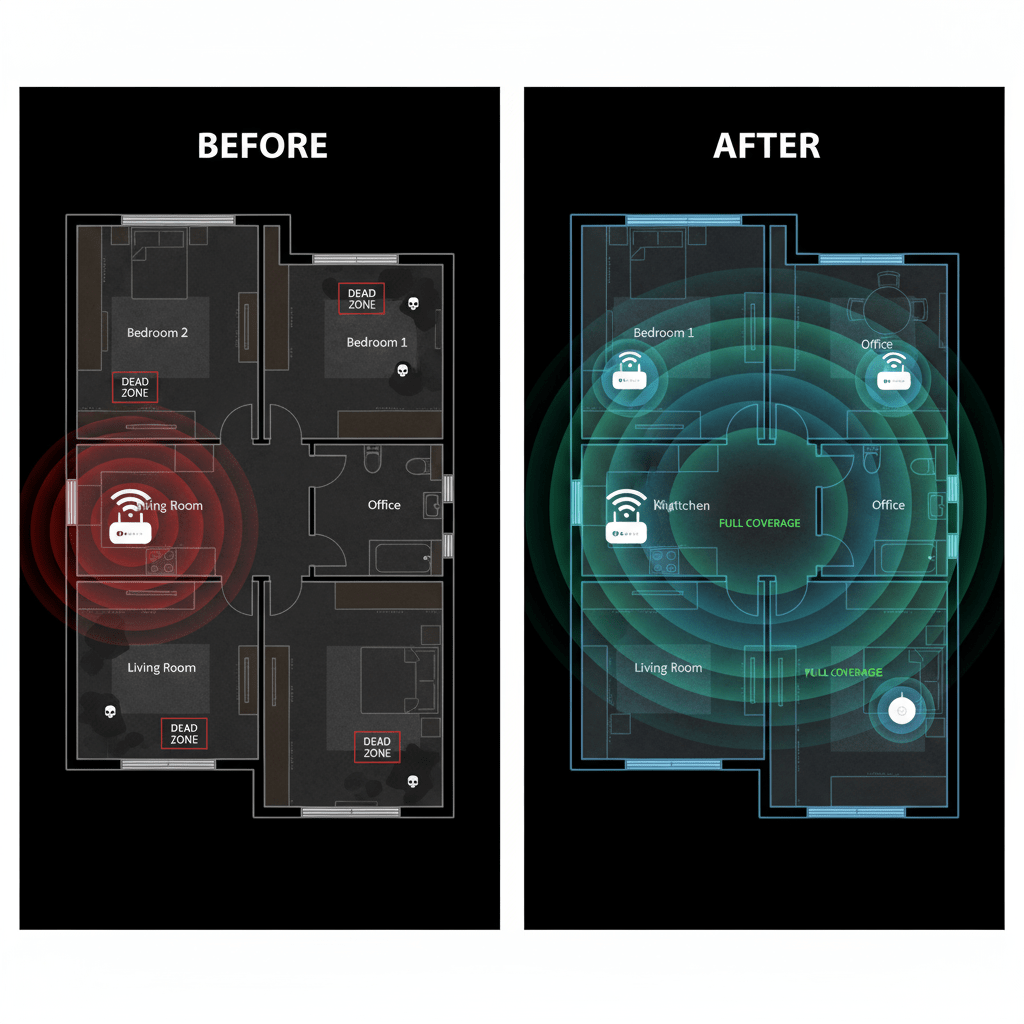
- Before/after coverage
- Extender vs mesh: which one?
- Placement rules that work
- 10-minute proof test
- Troubleshooting & quick wins
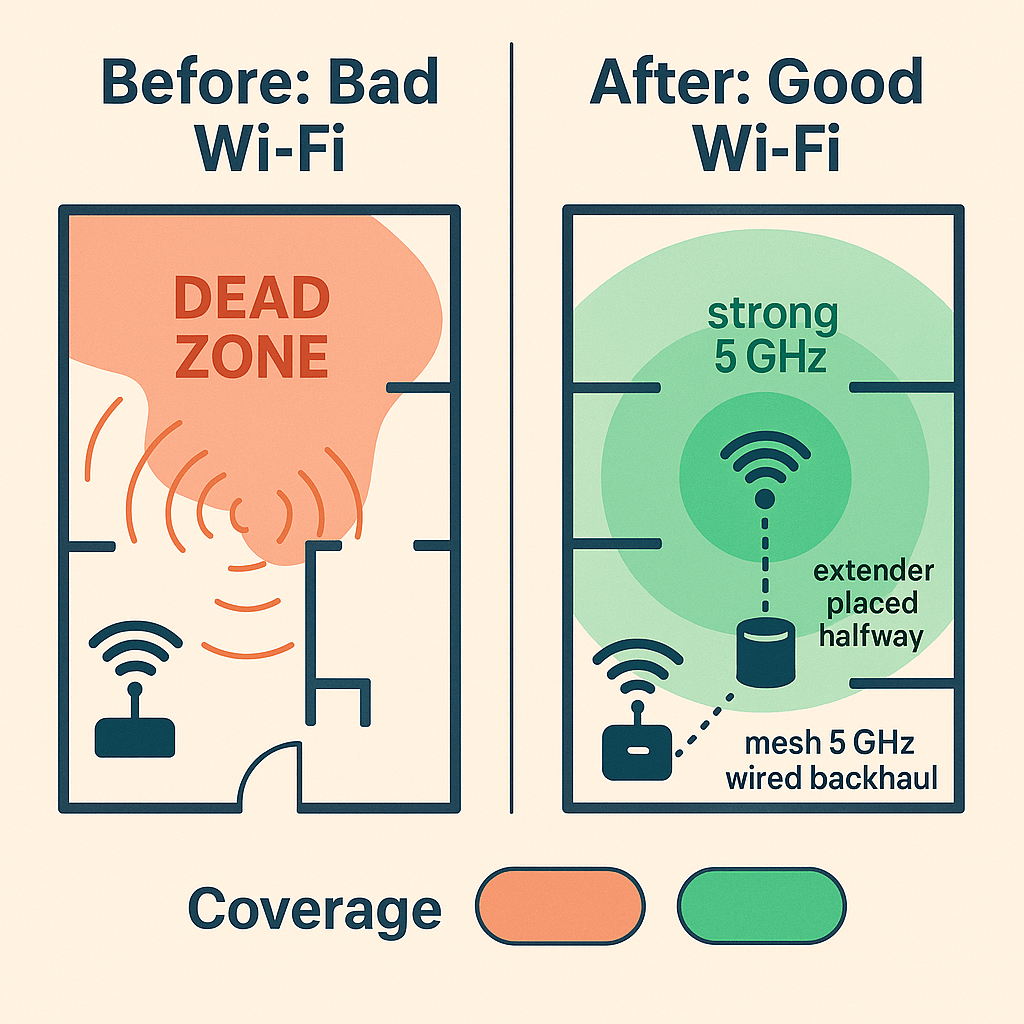
Before/after coverage


Here’s what I use now: Deco X55 three-pack with wired backhaul to the office. Rock-solid Zoom, no roaming stutters. See options.
Extender vs mesh: which one?
- Use an extender when you only need to fill one weak spot, you’re fine with a separate network name (
_EXT), and you care about cost over perfection. - Use mesh when you have multiple dead zones or you move around on calls. One network name, seamless roaming, better performance with wired backhaul.
- Skip both if your modem/router combo is ancient. Replace the router first; extenders can’t fix a potato core.
Placement rules that work
- Middle, not corner: place the router or first mesh node near the center of the home, shoulder height, off the floor.
- Extender halfway rule: plug the extender where the main signal is still strong (-55 to -65 dBm). If you place it in a dead zone, it rebroadcasts garbage.
- Mesh spacing: start with nodes 30–40 feet apart on the same floor; move one node to the floor above only if you must.
- Backhaul matters: if you can, wire mesh nodes to Ethernet or MoCA; if not, favor 5 GHz (or 6 GHz on Wi-Fi 6E) for node-to-node links.
The 10-minute proof test
- Map the “before”: in 3–5 spots (office desk, bedroom, kitchen), run a speed test and note ping/jitter. Screenshot results.
- Install + place: set up the extender/mesh, follow the halfway rule or mesh spacing above.
- Map the “after”: repeat the same tests. You should see lower jitter and fewer ping spikes, not just more megabits.
- Roam test: start a video call on your phone and walk from router to far room; mesh should hand off without a freeze.
Troubleshooting & quick wins
- Rename networks cleanly: use one SSID for 2.4/5 GHz unless your smart devices are fussy; then add a separate 2.4-only SSID.
- Kill interference: move nodes away from microwaves, baby monitors, cordless phone bases, and thick walls/fireplaces.
- Channel auto or manual: if your area is crowded, lock 5 GHz to a clean channel; avoid DFS if your devices complain.
- Firmware: update routers/mesh; vendors quietly fix roaming and stability in updates.
- Baseline your internet: check your wired speed at the modem. If it’s bad there, call the ISP before rearranging furniture.
Related reads
Cable management that actually works · Microphones for crystal-clear calls · Webcams that make you look professional
Disclosure: As an Amazon Associate, I earn from qualifying purchases. This means I receive a small commission when you buy through the links on this page, at no additional cost to you.
 Remote Ready
Leave a comment