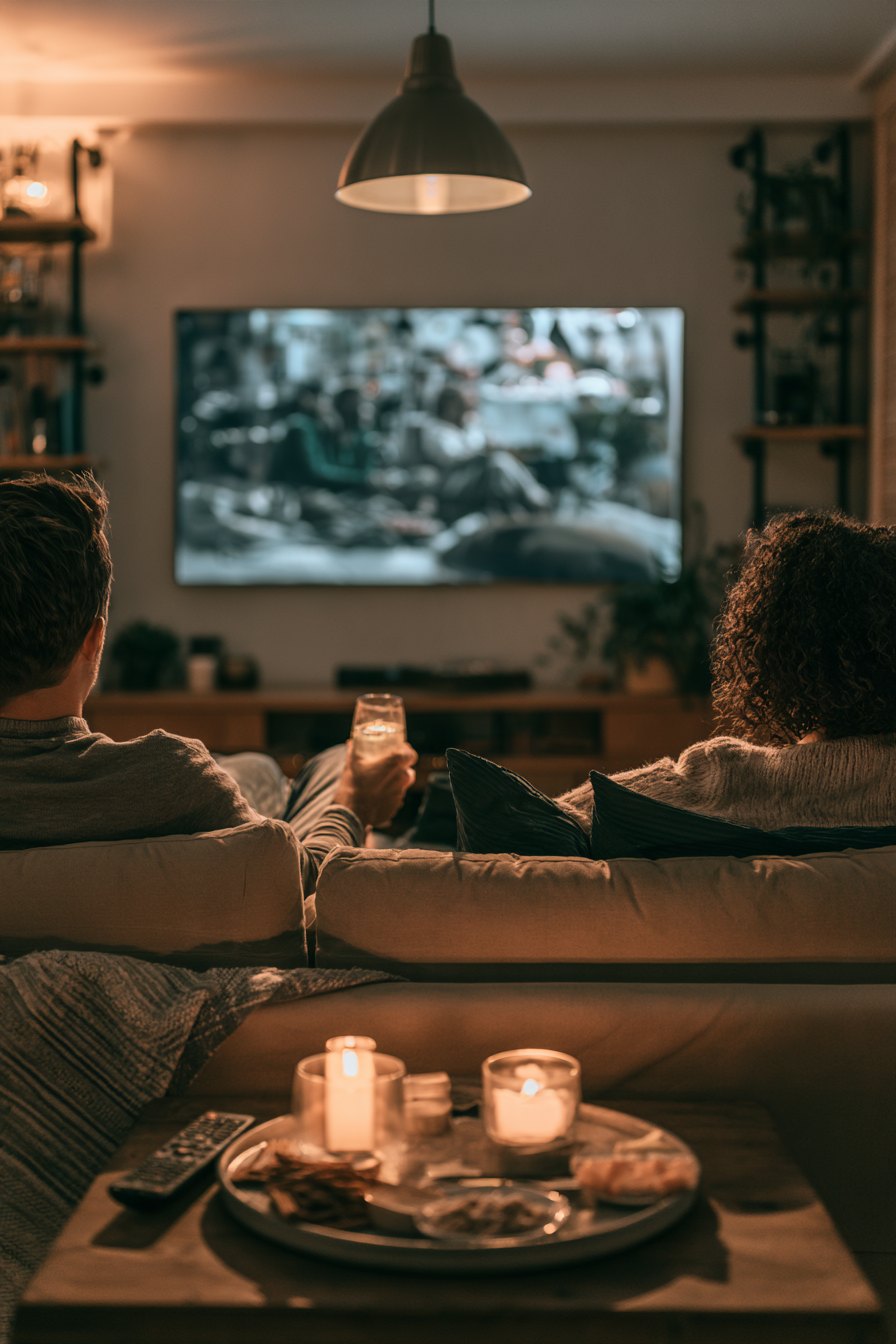
Cutting the cord in an apartment sounds simple until you are staring at a lease that forbids drilling, a living room that is 11 feet wide, and a landlord who considers a nail hole a capital offense. The good news: the hardware side of this problem is almost entirely solved. Renter-friendly mounts, compact soundbars, and streaming sticks have made it genuinely easy to build a setup that punches above its price. The harder problem, the one people rarely talk about until they are already mid-binge, is content. But we will get there.
Start With the Screen Size and Viewing Distance
The most common mistake in a smaller apartment is buying a TV that is either too small because you are afraid of the space, or too large because the store floor made everything look proportional. The rough rule that actually holds up: your viewing distance in inches divided by 1.6 gives you a comfortable screen diagonal in inches. If your couch is 8 feet from the wall, that is 96 inches divided by 1.6, which lands around 60 inches. A 65-inch set at that distance is fine. A 75-inch starts to feel like you are reading a billboard. A 55-inch at 10 feet will have you leaning forward by the end of a two-hour film.
For 4K sets specifically, you can sit closer than you could with a 1080p panel before the pixel structure becomes visible. That matters in tight apartments where the couch is only 6 to 7 feet out. At 7 feet, a 55-inch 4K display is a solid call.
Mounting Without Drilling Into Drywall
Landlords vary on what they allow, but the default assumption for renters should be no stud drilling. There are three real options here. First, a freestanding TV stand with a built-in mount arm, which sits on the floor behind the TV and clamps or weights itself down. Second, a tension pole floor-to-ceiling mount, which uses compression against your floor and ceiling joists and can hold sets up to around 65 inches if the ceiling height is standard 8 feet. Third, a low-profile media console that puts the TV at the right eye level when you are seated, which for most couches means the center of the screen should land between 42 and 48 inches off the floor.
Wall anchors that are marketed as damage-free, using adhesive strips, are generally not rated for anything heavier than 20 pounds. A 55-inch TV weighs 35 to 55 pounds depending on the model. Do not trust those strips with a TV.
Sound in a Small Room
A soundbar is the right answer for almost every apartment setup. A full surround system requires drilling cable paths or running wires across floors, and in a rental you will eventually have to undo all of it. A good 3.1 or 5.1 soundbar with a wireless subwoofer gives you real low-end without the neighbor lawsuit. Keep the subwoofer away from shared walls and place it on a carpet or foam pad, which reduces floor transmission significantly. If your unit shares a floor with someone below, a pad under the sub is not optional, it is neighborly.
HDMI ARC or eARC is the connection you want between the TV and the soundbar. It carries audio both directions and lets the TV remote control the soundbar volume. Optical audio works too but does not support lossless formats. Skip the 3.5mm headphone jack connection entirely.
Power and Cable Management
A surge protector with at least a 1000-joule rating is non-negotiable behind any entertainment setup. Apartment buildings have older wiring in many cases, and voltage spikes are real. Run power along baseboards with adhesive cable clips rather than across open floor. For HDMI cables, anything over 6 feet should be rated at 18 Gbps or higher to reliably carry 4K HDR. A $6 cable from a convenience store may work. It may also drop signal randomly at 11 p.m. when you are halfway through something good.
Bias Lighting and the Ambient Question
Bias lighting, an LED strip placed behind the TV, reduces eye strain in dark rooms and makes the perceived contrast look higher without changing any picture settings. A warm white or neutral white strip at around 6500K is the standard recommendation. You want the strip to illuminate the wall behind the screen, not to be visible itself from the viewing position. This is a $15 to $30 upgrade that makes a genuine difference on long viewing sessions.
Blackout curtains matter more than people expect. A room that goes properly dark lets you run lower brightness settings, which improves black levels on LCD panels and extends OLED panel life. For renters, tension rod blackout curtains require zero installation.
The Content Problem Is the Real Friction
Once the room is right, what actually breaks the experience is content fragmentation. What you want to watch right now is probably scattered across three or four different subscription services, each billing you monthly, each with a library that quietly shrinks as licensing deals expire and studios pull titles back to their own platforms. You budget $15 a month and end up at $60 before you notice. That is the honest math of the current streaming landscape, and it does not improve by ignoring it. One option that a growing number of cord-cutters are looking at is an IPTV subscription, which aggregates a broad content library under a single recurring cost. OveloTV is one such service worth looking at if you are tired of juggling individual apps and watching your library shrink.
Choosing a Streaming Device
Your smart TV's built-in OS will get the job done, but the interface slows down after a couple of years and updates stop. A dedicated streaming stick or box is faster, gets longer software support, and travels with you when you move. The four options that actually matter are Fire TV Stick 4K Max, Roku Streaming Stick 4K, Apple TV 4K, and Google TV Chromecast. If you are deep in the Apple ecosystem, the Apple TV 4K is the easiest integration. If you just want something that works without fuss, Roku's interface is still the least cluttered. Whichever you choose, pair it with a good IPTV service or your preferred streaming apps and you have a complete system.
What a Well-Built Setup Actually Feels Like
When it is all dialed in, the experience is noticeably different from the standard apartment TV-on-a-stand situation. The screen is at the right height, so your neck is neutral after two hours. The soundbar fills the room without bleeding into the hallway. The bias lighting means you can watch in full darkness without your eyes protesting. You sit down, the room is quiet, the picture is sharp, and there is nothing left to fiddle with. That is the goal. Getting there takes a few deliberate decisions and maybe one afternoon of rearranging. For the content side of that experience, a reliable IPTV subscription from a provider like ovelotv.store handles the library breadth problem that individual streaming apps cannot solve on their own.
Frequently Asked Questions
Can I mount a TV in an apartment without damaging the walls?
Yes, with the right approach. Freestanding floor mounts and tension pole ceiling mounts are both designed for exactly this situation and can handle most TV sizes up to 65 inches. Avoid adhesive-only solutions for anything over about 20 pounds.
What is the minimum room size for a comfortable home theater setup?
A room that is at least 10 feet deep gives you enough distance for a 55 to 65-inch screen at comfortable viewing range. In rooms shorter than 9 feet, stick to a 50-inch or smaller panel and position the couch as far back as the layout allows.
Is an IPTV subscription legal in the US?
The legality of IPTV depends on the specific service and the content it carries. Legitimate IPTV providers operate with proper licensing agreements. If you are evaluating a service, look for transparent subscription terms and a clear content catalog rather than services that advertise unlicensed premium channels at implausibly low prices.
Do I need a separate streaming device if my TV is already a smart TV?
Not necessarily, but dedicated streaming sticks tend to perform faster, receive software updates longer, and offer more app compatibility than built-in smart TV platforms, especially on sets that are two or more years old. It is a $30 to $50 upgrade that most people find worthwhile after a year or two.
How do I handle a subwoofer in an apartment without bothering neighbors?
Place the subwoofer on a thick carpet square or a dedicated isolation pad, keep it away from shared walls, and run it at the lowest volume setting that still gives you the low-end presence you want. Most soundbar subwoofers have an independent volume control separate from the main soundbar level.
The full picture: the hardware is cheap, reliable, and renter-friendly in 2024 in a way it simply was not five years ago. The room, the mount, the sound, the lighting, all of that is solvable in an afternoon. The ongoing challenge is content, and the most direct answer to that is consolidating your viewing through a service that covers the breadth without requiring five separate subscriptions. Check out what OveloTV offers if you want to stop managing a stack of apps and start actually watching.