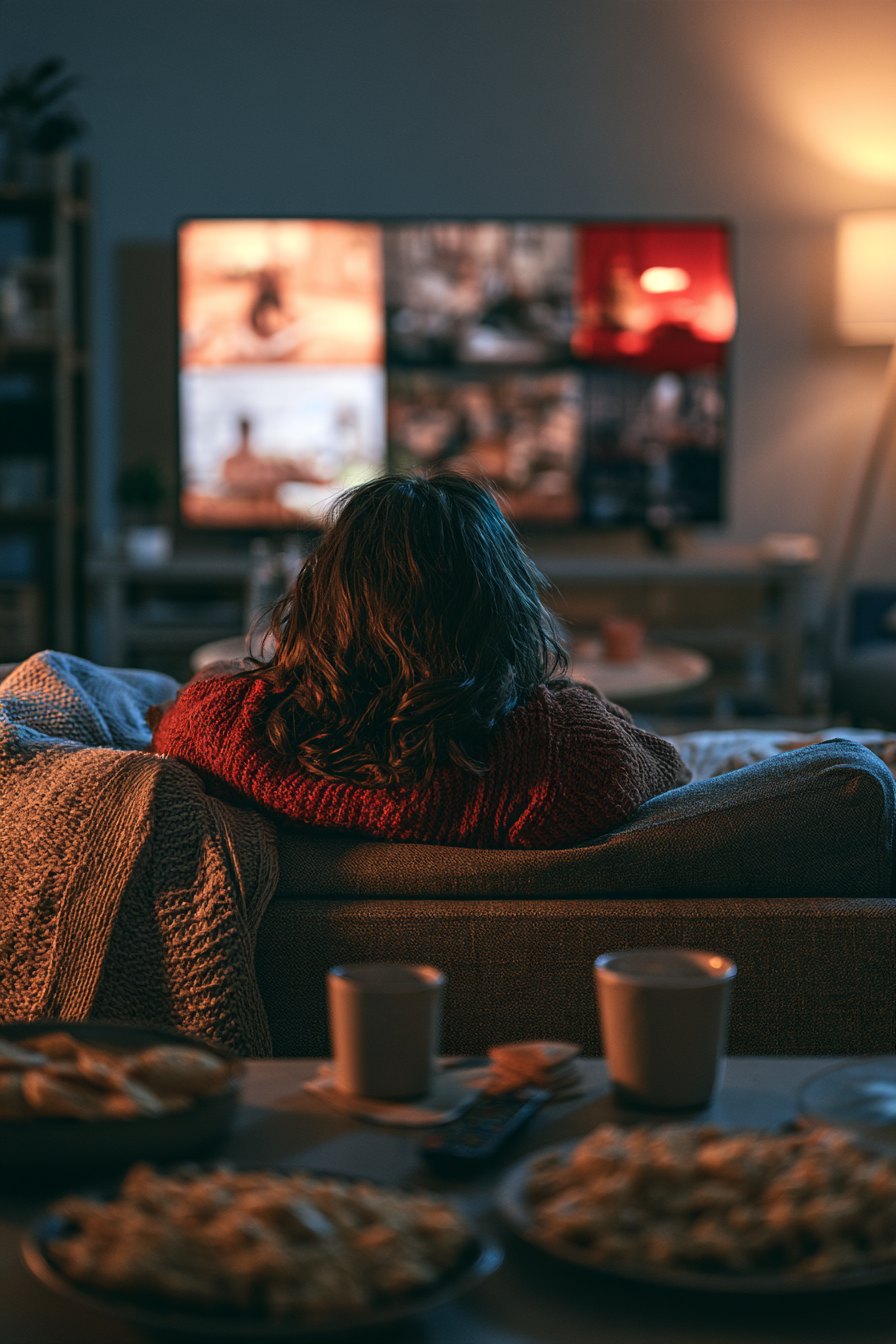
Cutting the cable bill sounds simple until you are standing in your living room at 8 p.m. with three remote controls and nothing you actually want to watch. The idea is right. The execution is where people stall. So here is a concrete plan — screen, sound, seating, lighting, and the content problem that nobody talks about enough — built around decisions you can make this week.
Start with the screen, not the service
The single biggest mistake first-time cord cutters make is buying a streaming subscription before the room is ready. Fix the hardware first. For a typical living room with a seating distance between 8 and 12 feet, a 65-inch screen hits the sweet spot. Closer to 7 feet and you can push to 75 inches without it feeling aggressive. The THX guideline puts the ideal viewing angle around 36 degrees — use that as a sanity check rather than a hard rule. Wall-mount height matters more than most guides admit: center the screen at seated eye level, which for most adults on a standard sofa is about 42 to 48 inches from the floor to the middle of the panel.
4K matters. 120Hz refresh rate matters if anyone in the house plays games or watches sports. OLED versus QLED is a real trade-off: OLED handles dark rooms beautifully, QLED holds up better in a bright space with afternoon sun. Pick based on your actual room, not the showroom floor.
Sound is not optional
Built-in TV speakers are a compromise, full stop. A soundbar with a dedicated subwoofer — even a mid-range one in the $200 to $350 range — changes how the room feels. If you have a dedicated media room or a space where you can run speaker wire, a proper 5.1 setup rewards the investment every single night. Place the subwoofer somewhere between the main speakers and the nearest corner; bass is largely non-directional, so exact placement is forgiving, but stuffing it behind furniture kills output.
Lighting and seating: the details that make or break the experience
Bias lighting — an LED strip behind the TV matched roughly to the screen's color temperature — reduces eye strain during long sessions and makes the picture look more dynamic. Around 6500K is a reasonable starting point for a neutral bias light. Dimmable overhead lights on a smart switch let you drop to about 10 to 20 percent during viewing without fumbling in the dark. Seating distance we already covered, but seat depth matters too: deeper sofas encourage slouching, which puts eyes below the optimal sightline after an hour.
The content problem: where cord cutting ideas run into reality
Here is the part most guides gloss over. Once your room is dialed in, the content equation becomes the friction. What you want to watch is scattered across four or five services, each billing you monthly, and the library at any given service is smaller than it was two years ago because licensing deals keep shifting. You add a service for one show, finish it in a weekend, and forget to cancel. Three months later you have paid $45 for content you are not watching. That is the real cable bill — just fragmented and invisible. If you are looking for a single access point that consolidates a wide range of live channels and on-demand content under one subscription, a consolidated IPTV service is worth understanding before you commit to stacking individual apps.
Choosing what to watch without wasting the evening
Set a three-minute rule: if you cannot agree on something in three minutes, apply a filter — genre first, then length. Short on time? Episodes under 45 minutes. Want something everyone finishes? Pick by the person who is hardest to please. The decision fatigue is real, and it gets worse the more services you are toggling between. Centralizing your content access is not just a cost argument; it is a usability argument.
For households that have already tried the app-stacking approach and found it exhausting, OveloTV's IPTV subscription offers a way to access a broad channel lineup and on-demand library through a single interface — which directly solves the remote-juggling problem described above.
Power and reliability: the unglamorous checklist
- Run your streaming device and router through a UPS or quality surge protector — a $30 power strip is not protection.
- If your router is more than three years old, upgrading it will improve streaming reliability more than upgrading your internet plan will.
- Wired ethernet from router to streaming device eliminates most buffering issues that people blame on their ISP.
- HDMI 2.1 cables matter if you are running 4K at 120Hz; older 2.0 cables will silently cap your signal.
What a good setup actually feels like
When everything is right — screen at the correct height, audio filling the room without overpowering it, lights low and warm, content loading instantly from one place — the evening has a different texture. The technology disappears. You stop thinking about the gear and start actually watching. That is the goal. It is achievable, and the steps to get there are not complicated, just specific.
Frequently asked questions
How much should I budget for a complete cord cutting setup?
A reasonable entry-level setup — 65-inch 4K TV, a capable streaming stick or box, a soundbar with subwoofer, and a decent router — runs between $800 and $1,400 depending on brands and sales timing. Mid-range choices in each category hold up better over time than budget options.
Is IPTV legal in the US?
IPTV as a technology is legal. Legality depends entirely on the specific service and whether it holds proper licensing agreements for the content it distributes. Use services that are transparent about their offerings and terms.
What internet speed do I actually need for 4K streaming?
Most 4K streams require 25 Mbps per device as a minimum, with 50 Mbps being a more comfortable baseline if other devices are on the network simultaneously. If you have a household with multiple concurrent streams, 100 Mbps or above removes most speed-related issues.
Can I replace every cable channel with streaming?
For most households, yes — with the right combination of services. Live sports and local news are the two categories where gaps still appear. Addressing both usually means combining an OTA antenna for local broadcasts with a service that covers live sports programming.
The bottom line
Cord cutting works when the setup is intentional. Fix the room, get the audio right, solve the content fragmentation problem with a service built for consolidation rather than multiplication, and the monthly savings are real and lasting. If you want to explore that last piece, visit OveloTV to see what a single-subscription content approach looks like in practice.