Step 1: Choose the Right Screen Size and Placement
A great Halloween movie marathon setup starts with the screen. For a typical living room with seating about 8 to 10 feet from the TV, a 65-inch display hits the sweet spot — big enough to feel immersive, small enough that no one in the room gets a crick in the neck. If your seating is closer, around 6 feet, a 55-inch screen keeps the picture sharp without overwhelming. Aim to mount or position the TV so the center of the screen sits roughly at seated eye level, which is about 42 inches from the floor for most sofas.
Avoid placing the screen opposite a bright window. Halloween marathons often run into the evening, but if you start in the afternoon, direct glare washes out the dark horror visuals that make these films work. Blackout curtains — most 84-inch panels run between $30 and $60 a pair — solve this quickly.
Step 2: Sound That Makes Horror Actually Scary
Built-in TV speakers rarely deliver the low-frequency rumble that makes a horror score land. A soundbar with a dedicated subwoofer changes everything. Look for a unit that produces at least 2.1-channel audio and covers a frequency range down to around 40 Hz. At that range, you feel the tension, not just hear it. Place the subwoofer on the floor within 3 feet of the TV stand for the most even bass distribution across the room. Volume around 65 to 70 decibels is typically comfortable for a group watch without waking the neighbors.
Step 3: Lighting That Sets the Mood Without Ruining the Picture
Total darkness sounds like the obvious Halloween choice, but a completely black room actually causes eye strain during a long marathon. Instead, use bias lighting — LED strips placed behind the TV running at about 10 percent brightness in a warm amber or deep red tone. This reduces contrast fatigue and adds atmosphere without washing out the screen. Battery-powered string lights with orange or purple bulbs, typically $10 to $20 at any home goods store, work perfectly scattered around bookshelves and corners. Keep any light source at least 4 feet from the screen to prevent reflection.
Step 4: Snacks, Seating, and Comfort for a Long Night
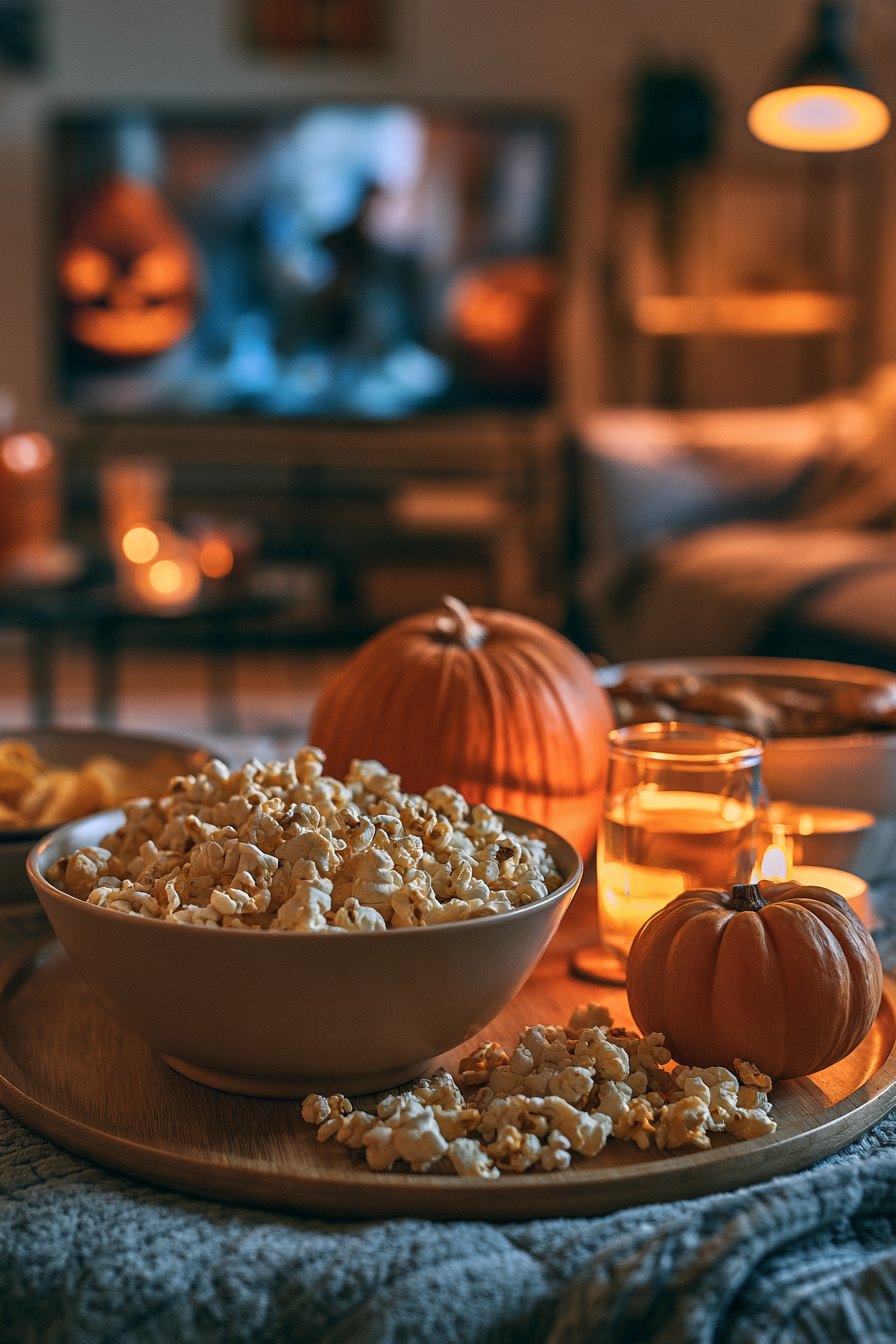
A proper marathon runs three to five films, which means four to ten hours of screen time. Ergonomic comfort matters. Add floor cushions for overflow guests, keep a throw blanket per person, and position a low coffee table within arm's reach for snacks. Classic choices — popcorn, candy corn, cider — are easy to eat without noise that ruins quiet scenes. Avoid anything that requires a fork and knife; rustling is the enemy of tension.
For beverages, a small drinks cooler on the side keeps everyone from missing scenes on repeated kitchen trips. Pre-portion snacks before the first film starts so you're not fumbling in the dark mid-movie.
Step 5: Lining Up Your Content Without the Chaos
Here's where most setups fall apart. You pick your list of films, only to find one title on one platform, another on a second, a third that has quietly left every catalogue it was on. Suddenly you're managing four different apps, four logins, and four monthly charges just to cover one household's movie night. That friction — the switching, the buffering, the "not available in your region" walls — kills the atmosphere faster than any jump scare.
This is exactly why people who do marathon nights regularly tend to consolidate. Services that combine live channels with a deep on-demand library mean you're not hunting across tabs all night. A good place to start looking is OveloTV, which brings both live and on-demand content under one roof so the queue stays unbroken.
When building your film order, go light-to-heavy: start with something atmospheric rather than graphic, escalate the tension across the middle of the night, and end around midnight with your personal favorite. Pacing is everything in a marathon.
Quick Halloween Movie Marathon Setup Checklist
- TV: 55–65 inches, center at 42 inches from floor, no window glare
- Sound: 2.1-channel soundbar with subwoofer placed within 3 feet of TV stand
- Lighting: Amber or red bias lights at 10 percent brightness behind the TV
- Seating: One blanket per person, floor cushions for extras, low snack table nearby
- Streaming: One consolidated service so you're not app-switching all night
- Film order: Light atmosphere → building dread → peak horror → personal favorite at midnight
Putting It All Together
A Halloween movie marathon done right isn't just about picking scary films — it's about engineering an experience. The screen size, sound, lighting, and seating all work together to keep everyone immersed from the opening credits of the first film to the final credits of the last. The one thing that can unravel all of that careful setup is a broken content experience: missing titles, dead links, or an app that decides to update itself at 11 p.m. Households that have switched to a single, consolidated streaming source — something like what's available at this streaming option — report far fewer interruptions and a lot more time actually watching instead of searching.
Get the setup right once, and Halloween night becomes the event your friends talk about until next October. Start with the screen, build outward to sound and light, stock the snacks, and make sure your content library is ready before the first film starts. Everything else — the scares, the laughs, the arguments about which film is scariest — takes care of itself. And if you're still piecing together multiple subscriptions to cover your watchlist, it might be time to simplify with a service like OveloTV and spend that energy on what actually matters: enjoying the night.