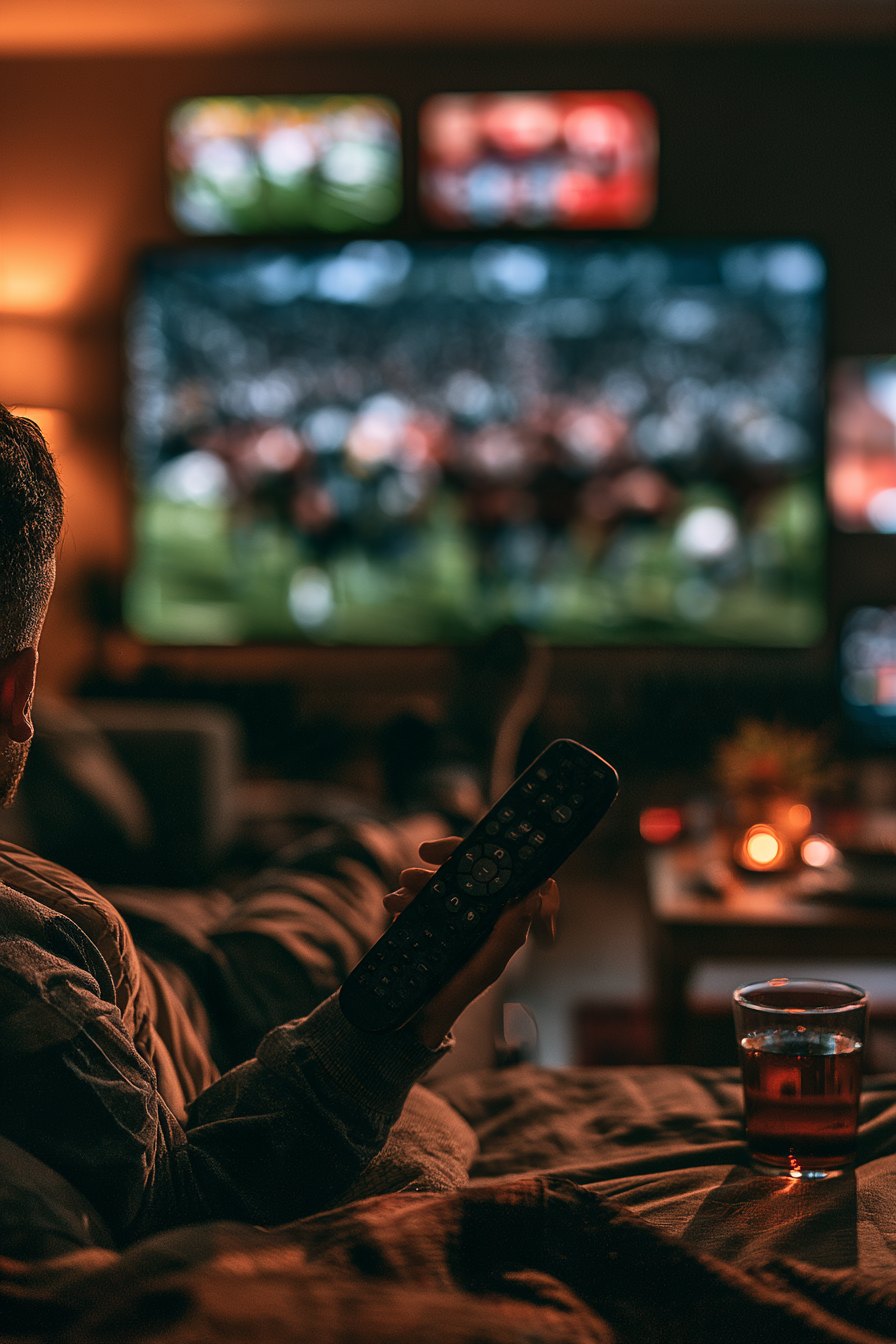
Why Cutting Cable Is Harder for Sports Fans
Dropping cable is easy — until Sunday rolls around and your team is playing on a regional sports network you no longer have. Sports are the single biggest reason millions of American households still pay for traditional cable packages that can run well over $100 a month. Everything else — movies, drama series, documentaries — has moved comfortably to streaming. Live sports have lagged behind, partly because rights deals are fragmented across dozens of networks, and partly because local and regional games are often the hardest to replace. If you have ever opened four different apps trying to find one playoff game, you already know how exhausting that fragmentation feels.
Start With a Good Antenna
Before you pay for anything, pick up an indoor HDTV antenna. Modern flat antennas can pull in free over-the-air signals from 30 to 50 miles away in clear suburban conditions, and some amplified models extend that range to 70 miles or more. Look for an antenna rated for at least 50 miles of range and mount it as high as possible — ideally in an attic or near an upper-floor window facing the broadcast towers in your area. You can find tower locations for your zip code on the FCC's free DTV reception map. Over-the-air broadcasts are uncompressed 1080i or 720p, which often looks sharper than cable. ABC, NBC, CBS, and Fox all broadcast locally, covering NFL games, college football, NBA playoffs, and MLB postseason matchups for free once you have the hardware. A quality amplified antenna costs between $25 and $60 and pays for itself in the first month.
Streaming Services That Carry Live Sports
Antennas cover the broadcast networks, but they won't get you ESPN, FS1, TNT, or regional sports networks. That's where live TV streaming services come in. Several platforms offer bundles of cable channels delivered over the internet, billed month to month with no long-term contract. The tricky part is that channel lineups vary by service and sometimes by zip code, so a channel available in Dallas may not be available in Cleveland on the same plan. Price creep is also real — promotional rates expire, and the sticker shock at renewal is one of the most common complaints among cord-cutters. Juggling a sports app here, a premium add-on there, and a base streaming plan quickly turns into four separate bills for one household. Many sports fans who went through that cycle eventually landed on a single service that bundles live channels with a broad on-demand library, simply because managing one subscription is far less friction than managing four.
Devices and Screen Size Matter
Watching live sports on a small laptop screen while the rest of the family crowds around is nobody's idea of a good time. Stream to your television whenever possible. Roku sticks, Amazon Fire TV Stick 4K, Apple TV 4K, and Google Chromecast with Google TV all support major live-sports streaming apps and retail between $30 and $130. If you already own a smart TV made in the last four or five years, check its built-in app store before buying a dongle — many popular streaming apps are pre-installed. For sports specifically, look for a display at least 55 inches diagonal to get the full benefit of the wide-camera broadcast angles used in football and basketball. Pair it with a TV set to Game or Sports picture mode, which reduces motion blur during fast action.
Lighting and Environment for the Best Viewing Experience
Room lighting affects picture quality more than most people realize. Aim for bias lighting — a strip of LED lights behind your TV set to around 6500K color temperature — to reduce eye strain during long games and make the image appear more vivid without cranking up brightness. Avoid placing your TV directly across from a large window that generates glare during afternoon kickoffs. A screen brightness setting between 40 and 60 on most panels is sufficient in a moderately lit room; higher settings wash out shadow detail in stadium footage.
Putting It All Together
The practical cord-cutting setup for a sports fan looks like this: a 50-mile-rated antenna for broadcast networks, a reliable streaming device connected to a TV at least 55 inches across, and one core subscription that carries the live channels you actually watch. The antenna handles your local team's broadcast games at no monthly cost. The streaming service fills the gaps — national cable sports channels, out-of-market coverage when it's available, and enough on-demand content to keep everyone else in the household happy between games. People who feel the subscription juggling problem most acutely tend to gravitate toward an all-in-one streaming option rather than assembling and reassembling a patchwork of apps every season.
The goal isn't just to save money — though most households do spend less than they did on cable. The goal is to stop missing games. With the right antenna, the right screen setup, and a service that actually carries the channels your sports calendar demands, you can watch live sports on your schedule, in your living room, without a cable bill. If you're ready to simplify, this is where most sports fans start their search.