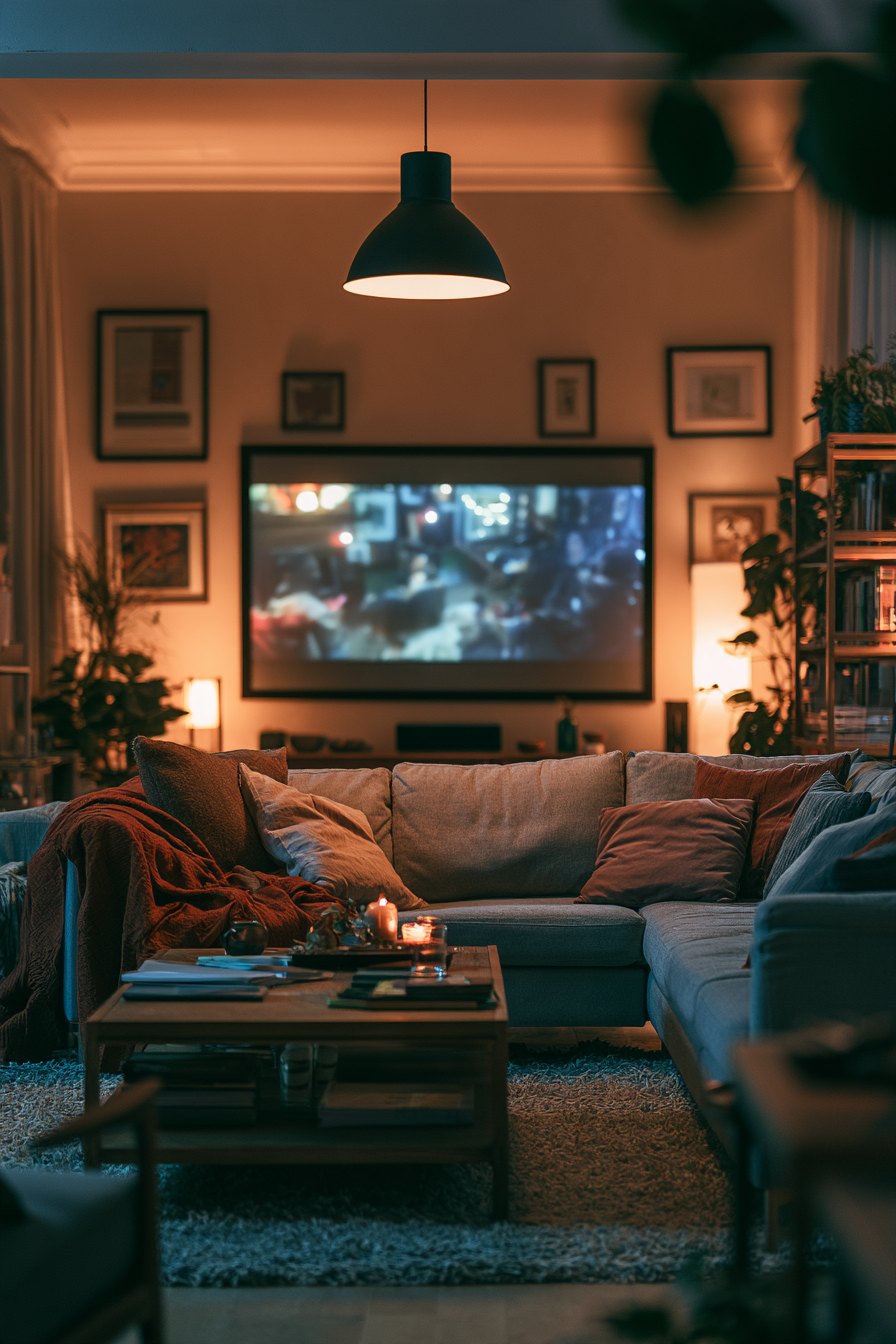
Most home theater advice is written for people with a dedicated room, a generous budget, and apparently no furniture already in the space. If your living room doubles as a dining area, a home office, or a place where a dog insists on sleeping on the couch, that advice is useless to you. This guide is for the real situation: a room under 200 square feet, a budget somewhere between $300 and $1,500 total, and a genuine desire to stop squinting at a 43-inch TV from nine feet away.
Start with the screen size and viewing distance
The single most common mistake in a small room is buying a screen that is either too small because the buyer was nervous, or too large because they got excited and ignored the geometry. The rough rule for 4K content is a viewing distance of about 1.0 to 1.5 times the screen's diagonal. So a 75-inch screen wants you sitting roughly 6 to 9 feet away. A 65-inch screen is comfortable from 5.5 to 8 feet. Measure your actual couch-to-wall distance before you walk into a store. Write it on your phone. Do not guess.
If your seating distance is under 8 feet, a 65-inch TV is almost certainly your ceiling. Going larger does not feel more immersive at that range — it feels like sitting in the front row of a cinema, which most people dislike after twenty minutes. Going smaller, say a 55-inch panel at 6 feet, is actually fine for 4K and surprisingly comfortable for long sessions.
Projector versus TV in a small space
A short-throw projector is worth considering if your wall space allows it and you can control ambient light. A projector that throws a 100-inch image from 18 to 24 inches away costs roughly $700 to $1,000 for a decent unit. The trade-off is that any daylight kills the image, you need a blank wall or a pull-down screen, and the lamp produces heat and noise. In a room where you watch mostly in the evening with curtains closed, it works well. In a room with west-facing windows and a toddler who opens them, it is a frustration machine.
A flat-panel LED TV in the 65-inch range from a mid-tier brand will run $500 to $800 during a sale period. It handles ambient light, requires zero setup beyond mounting, and the picture quality out of the box beats most projectors at this budget. For most small living rooms, the TV wins on practicality.
Placement and room arrangement
Mount the TV so the center of the screen sits at eye level when you are seated, which is typically 42 to 48 inches from the floor depending on your couch height. Do not mount it above a fireplace. That position puts the screen 60 to 70 inches high, forces your neck back, and causes real discomfort within 30 minutes. It looks good in a real-estate photo and nowhere else.
Keep seating symmetrical relative to the screen. If you have a sectional, position it so the main seats face the screen directly rather than at an angle. In a narrow room, floating the couch 18 to 24 inches away from the back wall actually improves perceived space and allows a soundbar or rear speakers to breathe.
Lighting: the detail that changes everything
Bias lighting — LED strips mounted behind the TV, emitting a soft glow onto the wall — reduces eye strain dramatically and makes the image appear more vivid without touching any picture settings. A basic bias lighting kit costs $20 to $40. Set the color temperature to around 6500K to match a calibrated display. This is one of the highest return-on-investment changes you can make in a home theater on any budget.
Overhead lights pointed directly at the screen wash out the picture. Dimmable bulbs pointed at the ceiling or walls instead of the screen are the solution. A simple smart plug and a floor lamp with a warm bulb handles this for under $30.
Sound without destroying the room
A soundbar in the $150 to $250 range from a reputable audio brand, positioned directly below the screen, is the right move for a small living room. A full 5.1 surround system with floor-standing speakers is genuinely overkill in a room under 180 square feet, and the neighbors will let you know. If you want a sense of surround, look for a soundbar with Dolby Atmos decoding and up-firing drivers — the ceiling bounce effect works better than most people expect in low-ceiling rooms. Keep the subwoofer on the floor to the left or right of the TV stand, not in a corner where it becomes boomy.
The content problem is where it actually breaks
You can get the room right — good screen size, proper mounting height, bias lighting, a decent soundbar — and then discover that what you actually want to watch tonight is split across four or five different subscriptions. One service has the sports, another has the older catalog titles, a third has the new release you care about, and a fourth has the documentary series. The monthly total adds up fast, and the libraries keep shrinking as licensing deals expire and content moves. This is where a lot of people start looking for a different approach, and it is worth knowing that services like OveloTV's IPTV subscription exist specifically to consolidate that access into a single subscription rather than managing five separate ones.
Putting it together for under $1,000
- 65-inch LED TV, mid-tier brand, bought during a promotional period: $550–$700
- Fixed wall mount rated for the panel size: $30–$50
- Soundbar with Atmos, 2.1 configuration: $180–$250
- Bias lighting strip, 6500K: $25–$40
- Dimmable smart bulb or plug for ambient lighting: $15–$30
That puts you between $800 and $1,070 for the hardware. The room does the rest. Add a streaming device if the TV's built-in interface is slow — a good 4K streaming stick runs $40 to $50 and makes the whole experience more responsive.
How the evening actually feels when it is set up right
When the geometry is correct and the lighting is dialed in, a small living room stops feeling like a compromise. The screen fills your peripheral vision without overwhelming it. The soundbar puts the dialogue exactly where it should be, at the actors' mouths on screen, not floating somewhere near the ceiling. The bias lighting makes the back wall glow softly and removes the harsh contrast between the bright panel and a dark room. You stop noticing the room and start paying attention to what is on the screen, which is the entire point. It is not a commercial cinema. It is better in some ways — it is your couch, your temperature, your pause button.
Frequently asked questions
What is the minimum room size for a real home theater setup?
There is no strict minimum, but a room smaller than 10 by 10 feet starts creating acoustic problems and makes even a 55-inch screen feel close. A 12 by 14 foot room is workable with the right screen size and seating position. Focus on the viewing distance first — if you can get 6 to 8 feet between the couch and the wall, you have enough to work with.
Is a soundbar really enough for a small room?
Yes, for most people in most small rooms. A full surround system requires space between speakers and listening position to work properly. In a tight room, a quality soundbar with a dedicated subwoofer delivers more controlled, accurate sound than a poorly positioned 5.1 system. Save the surround build for a dedicated space.
How do I deal with having content on too many different streaming services?
This is a real and growing problem. One practical option is to audit what you actually watch each month and cancel anything you used less than twice. Another option is to look at consolidated services — an IPTV subscription from OveloTV can replace several individual subscriptions with a single monthly cost, which simplifies both the budget and the interface.
Do I need 4K content to justify a 4K TV?
Not exclusively. A 4K panel upscales 1080p content reasonably well, and the panel quality in modern 4K sets — better local dimming, wider color gamut — improves even lower-resolution material. Buy the 4K TV for the panel technology, not just the resolution.
Where should the subwoofer go in a small room?
On the floor, along the same wall as the TV, either side of the stand. Avoid placing it in a corner — corners amplify bass frequencies and make the low end sound bloated and indistinct. Along a side wall is a second option. Experiment with placement before you run cables permanently.
A small living room is a real constraint, but it is not the obstacle most people think it is. The physics of viewing distance and screen size actually favor smaller rooms in some ways — you can fill your field of view with a moderately sized screen without spending on a massive panel. Get the fundamentals right, manage the lighting, choose sound hardware appropriate to the space, and then make sure the content side is handled so you are not paying for five separate services to watch what you actually want. If the subscription stack is already bothering you, it is worth taking a look at what OveloTV offers as a consolidated alternative before you add another monthly charge to the pile.