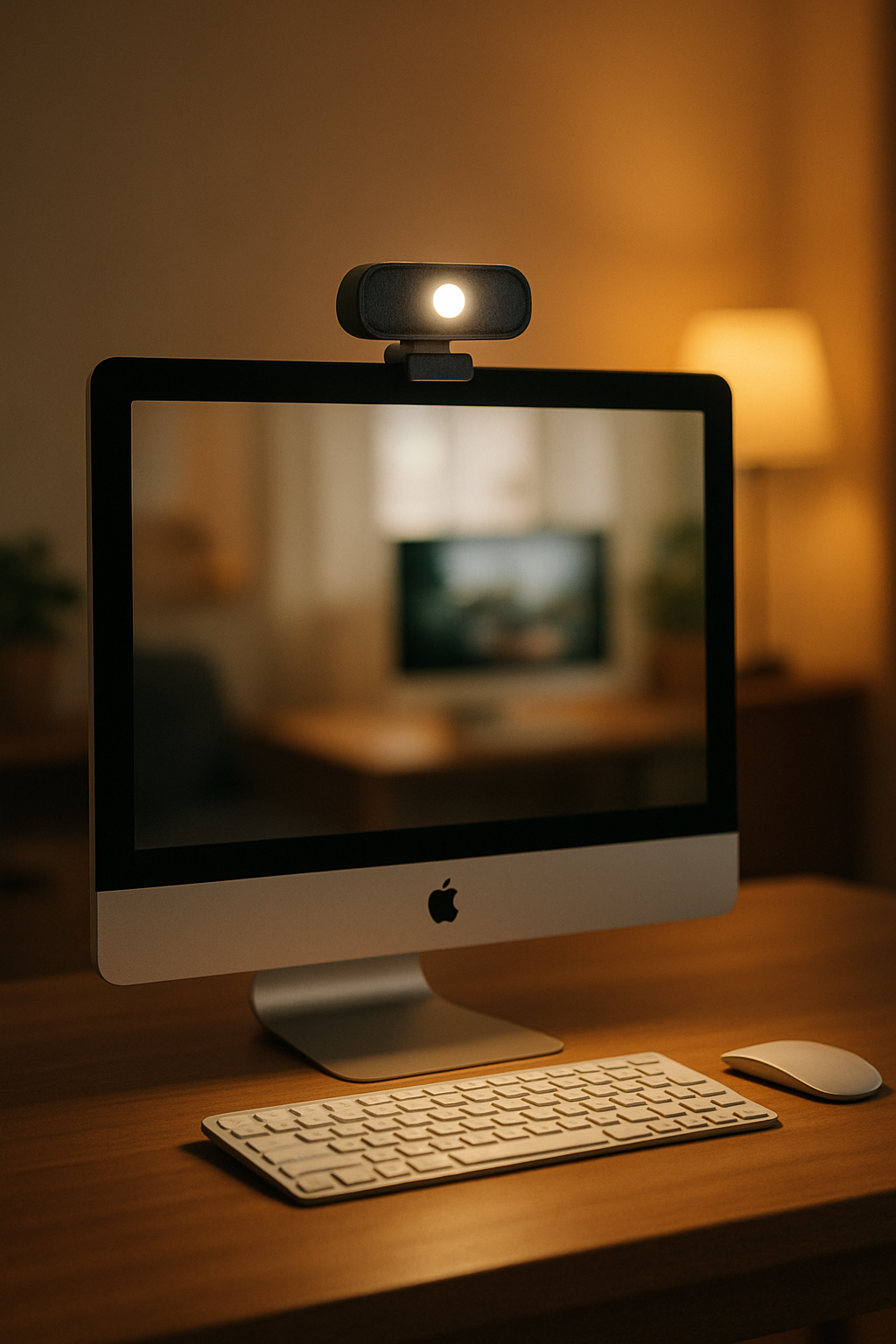
In this guide you’ll get:
- Three quick picks (Best Overall, Best Value, Budget)
- A 30-second settings cheat sheet that actually helps
- Simple framing and lighting tips so you look polished
At a glance
| Pick | Best for | Why |
|---|---|---|
| 4K / AI-framing webcam | Executive calls, content, low-light rooms | Sharper detail, reliable autofocus, smart framing |
| 1080p / 60 fps webcam | Daily calls, smoother motion | Great balance of clarity and fluid movement |
| 1080p basic webcam | Tight budgets, quick upgrade over laptop cam | Simple setup, better exposure than built-ins |
Best Overall: 4K / AI-framing
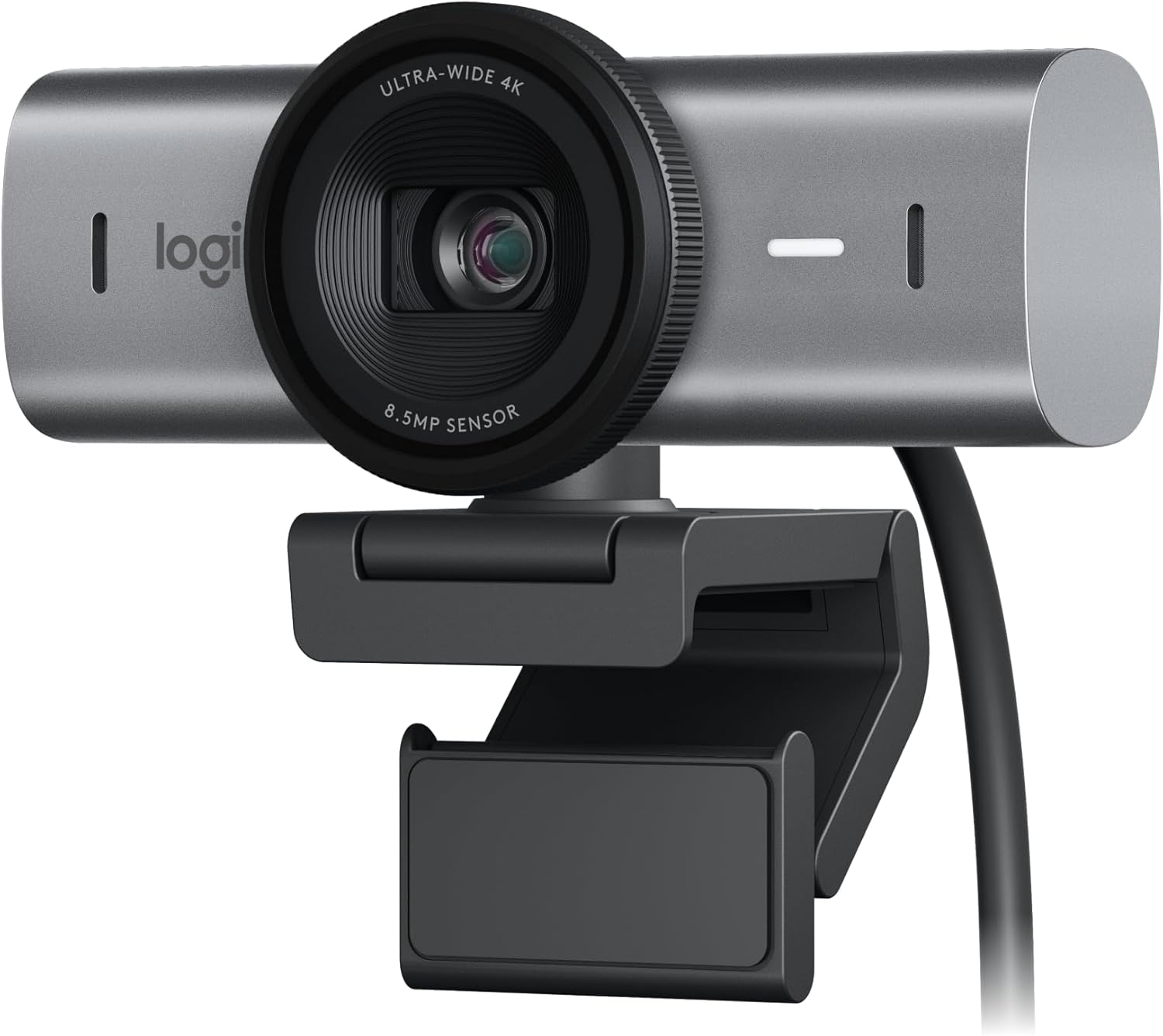
- 4K sensor with strong low-light performance
- AI auto-framing and background blur when needed
- Dual noise-reduction mics as a backup (dedicated mic still wins)
Best Value: 1080p / 60 fps
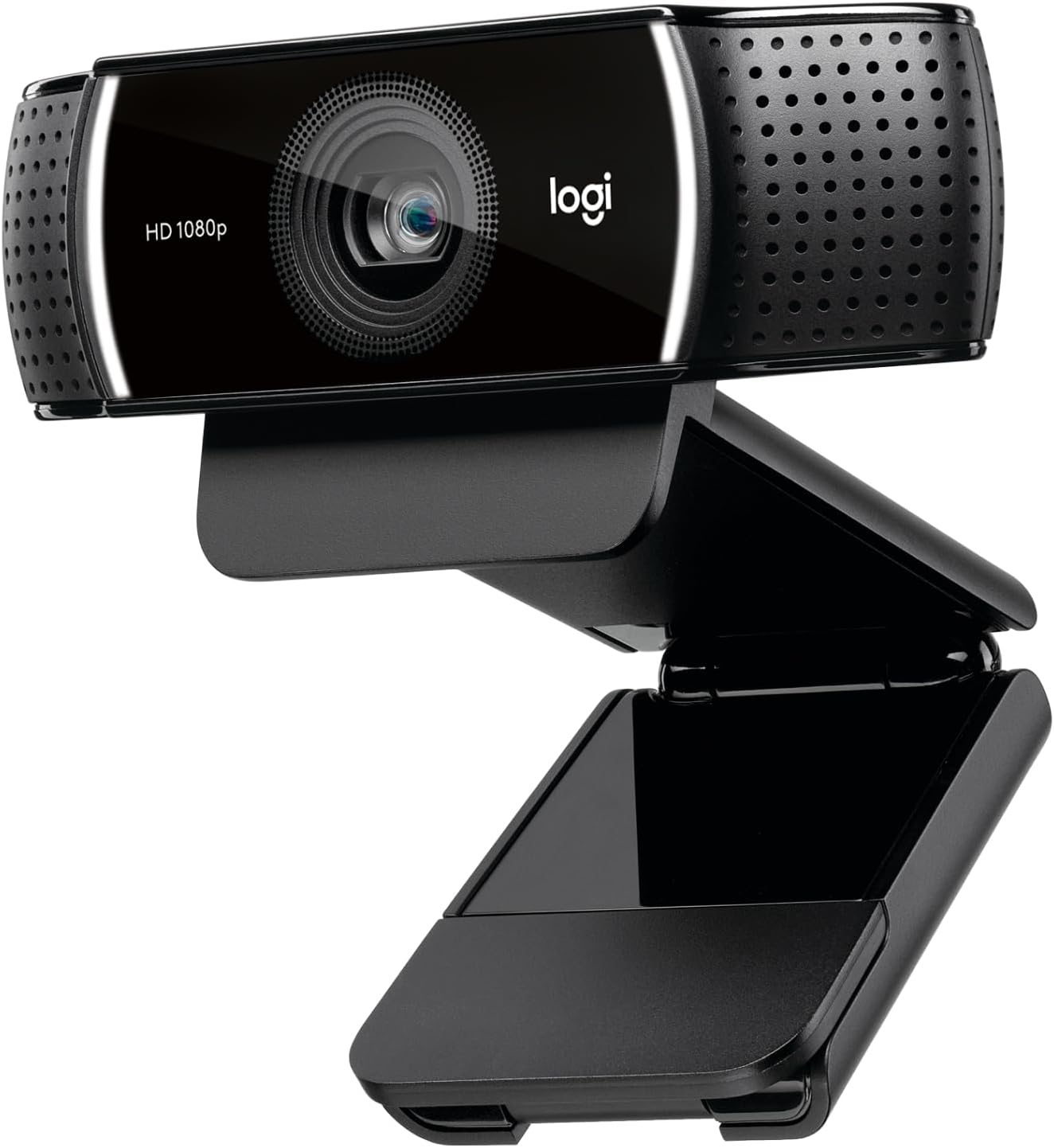
- 1080p resolution at 60 fps for natural motion
- Decent low-light with manual exposure/white balance controls
- Privacy shutter and tripod mount are handy bonuses
Budget: 1080p basic
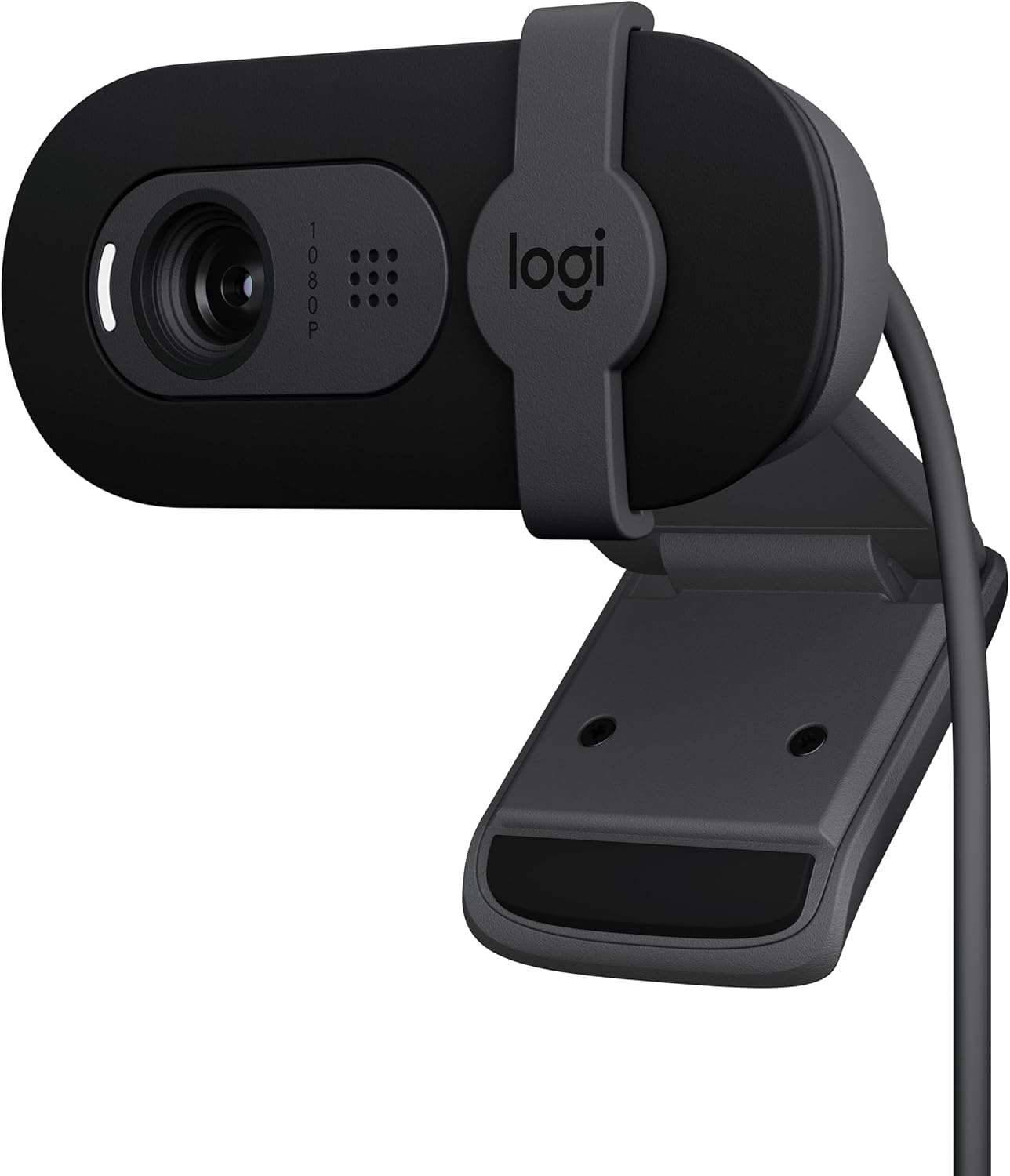
- Auto exposure and white balance that won’t swing wildly
- Wide enough field of view for small spaces without distortion
- Lightweight, easy to mount or toss in a bag
Webcam settings (30-second fix)
- Angle: eye level, camera centered, very slight downward tilt
- Lighting: neutral 4000K on your face; warm 2700–3000K behind you
- Exposure: lower brightness until skin has detail (no blown highlights)
- White balance: set once and lock so it won’t drift mid-call
- Framing: head and shoulders, about arm’s length from the lens
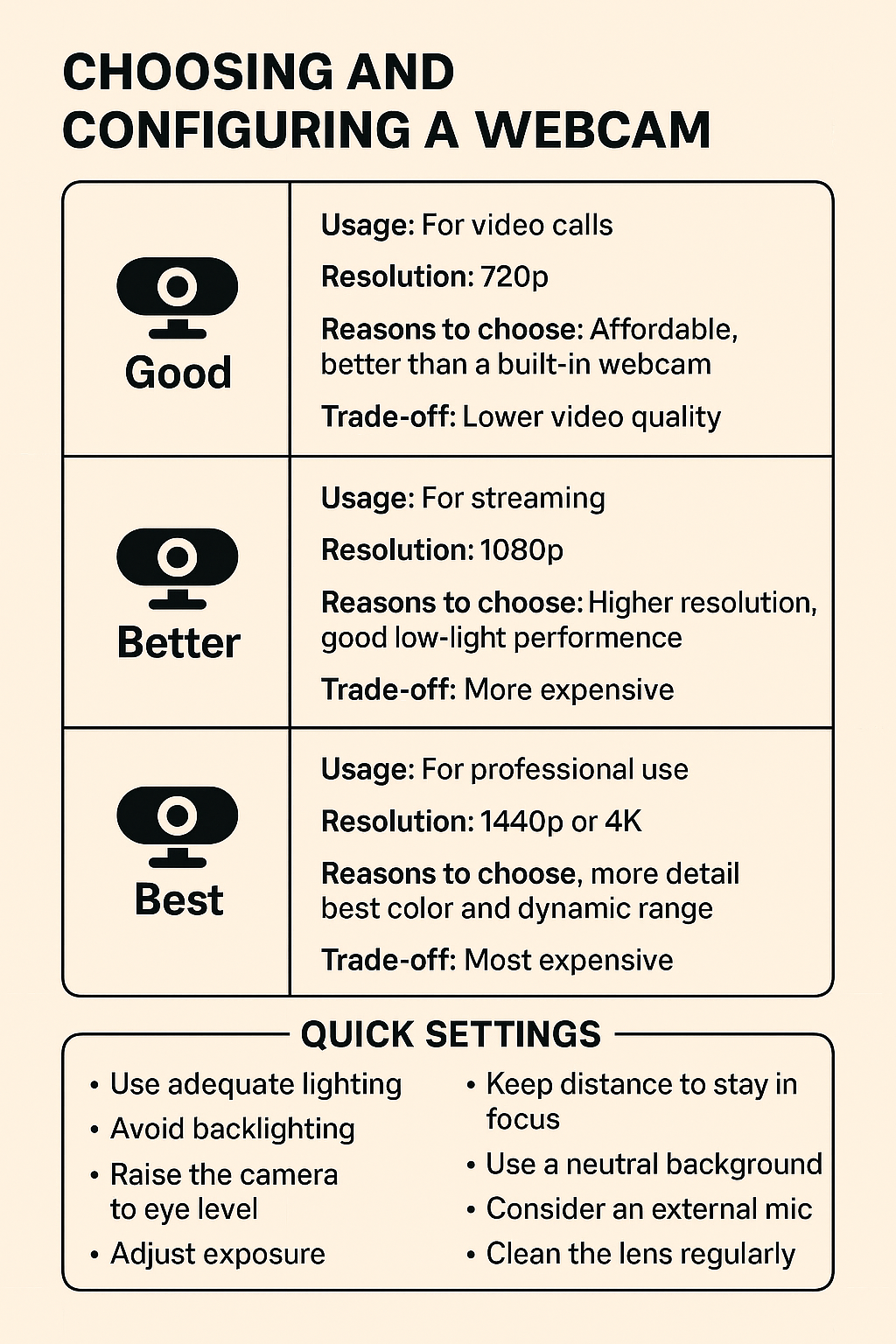
Pro tip: Lighting matters more than specs. Pair your webcam with a task lamp and monitor light bar to look good in any room.
Build the rest of your setup
- Desk lamps & lighting that actually help
- Monitor arms that don’t sag
- Headphones for remote work
- Cable management that actually works
Disclosure: As an Amazon Associate, I earn from qualifying purchases. This means I receive a small commission when you buy through the links on this page, at no additional cost to you.
 Remote Ready
Leave a comment