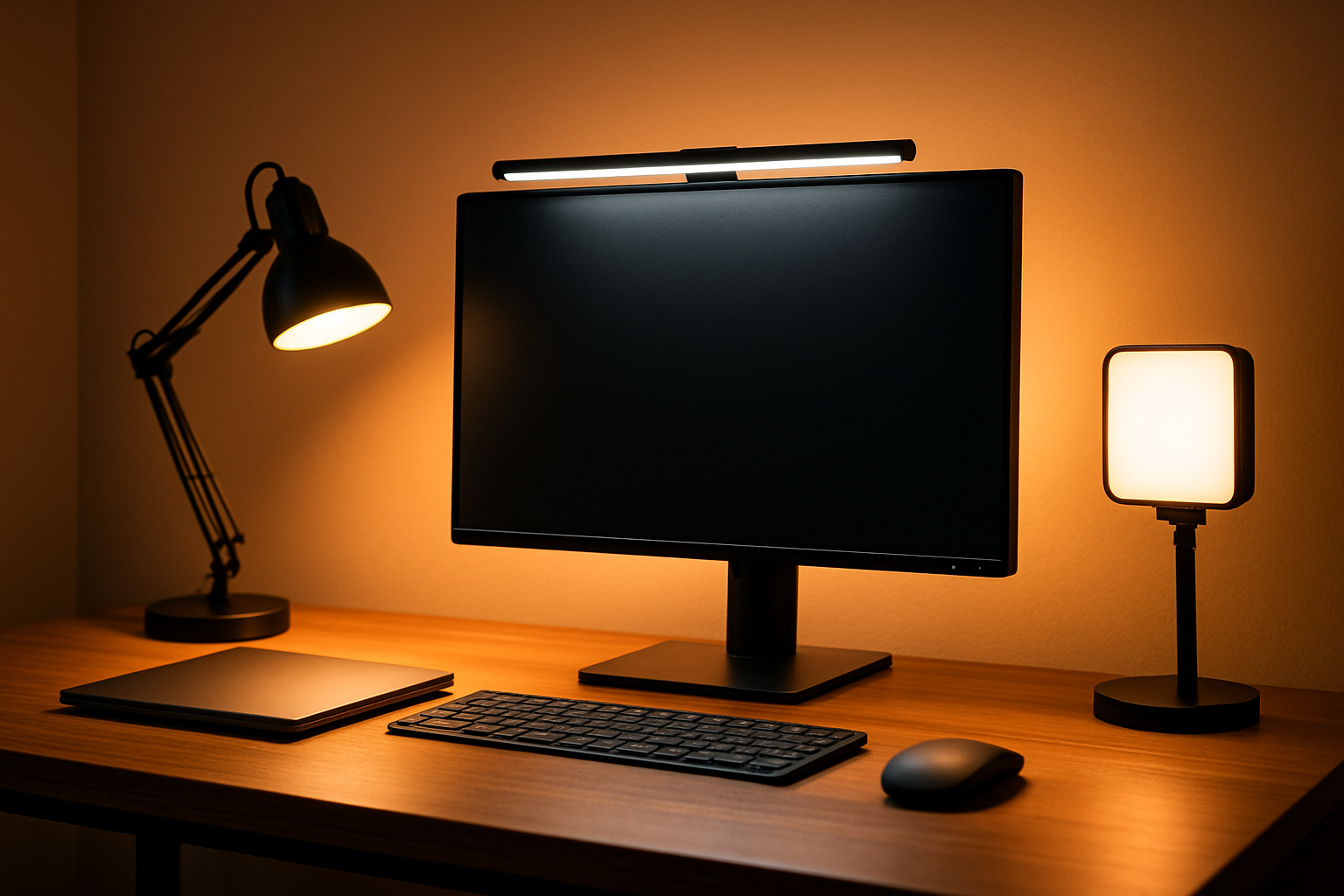
In this guide you’ll get:
- One task lamp that actually hits the page with light (not your eyes)
- A monitor light bar that frees desk space and reduces glare
- A warm ambient lamp for evenings so your brain doesn’t think it’s noon
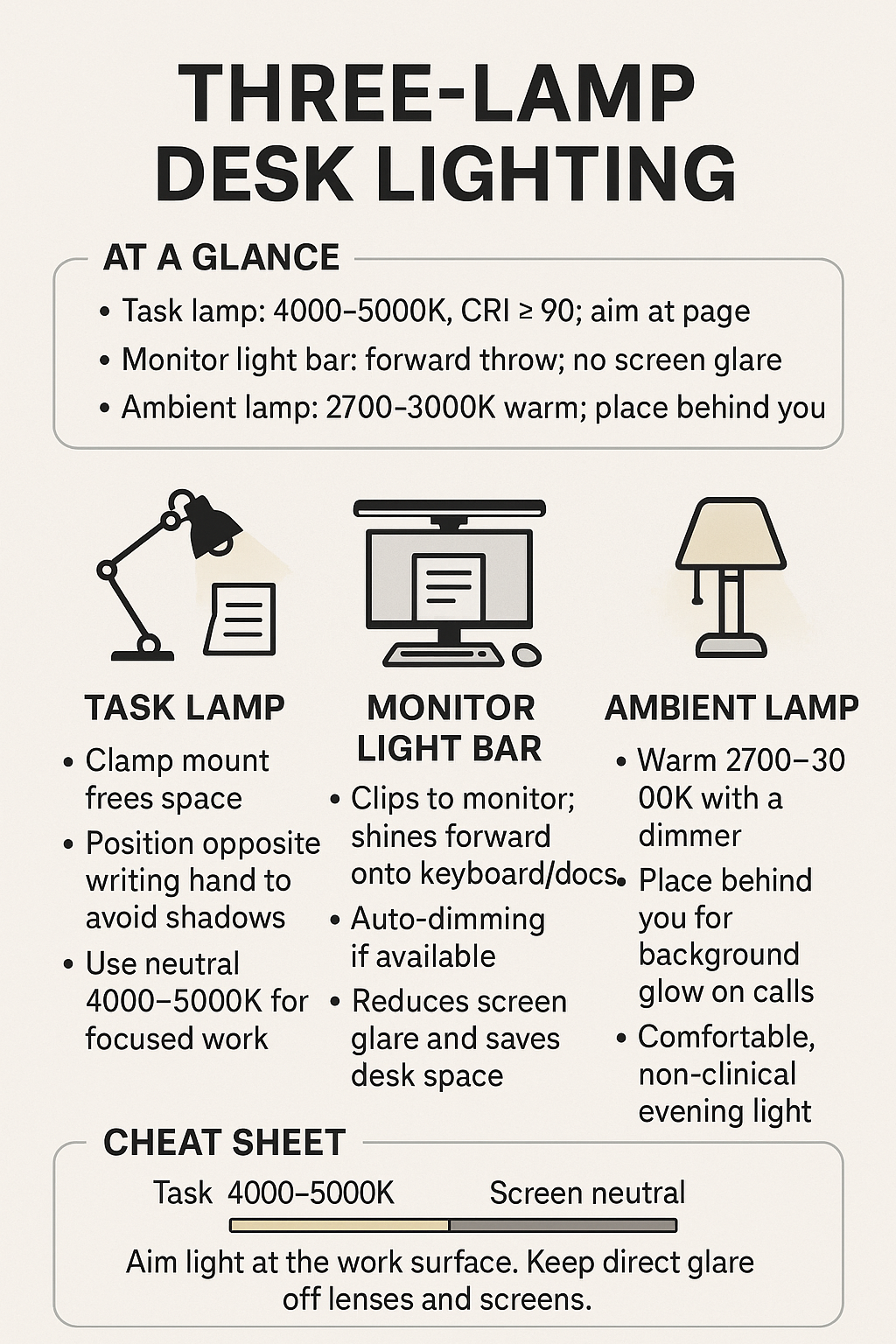
At a glance
| Pick | Best For | Why it works |
|---|---|---|
| Adjustable clamp task lamp | Focused reading/writing | Positions light on the page, CRI≥90 for true color |
| Monitor light bar | Keyboard + docs without glare | Throws light forward, saves desk space |
| Warm ambient lamp | Evenings, camera vibe | 2700–3000K keeps it cozy and non-clinical |
1) Task Lamp: clamp + high CRI
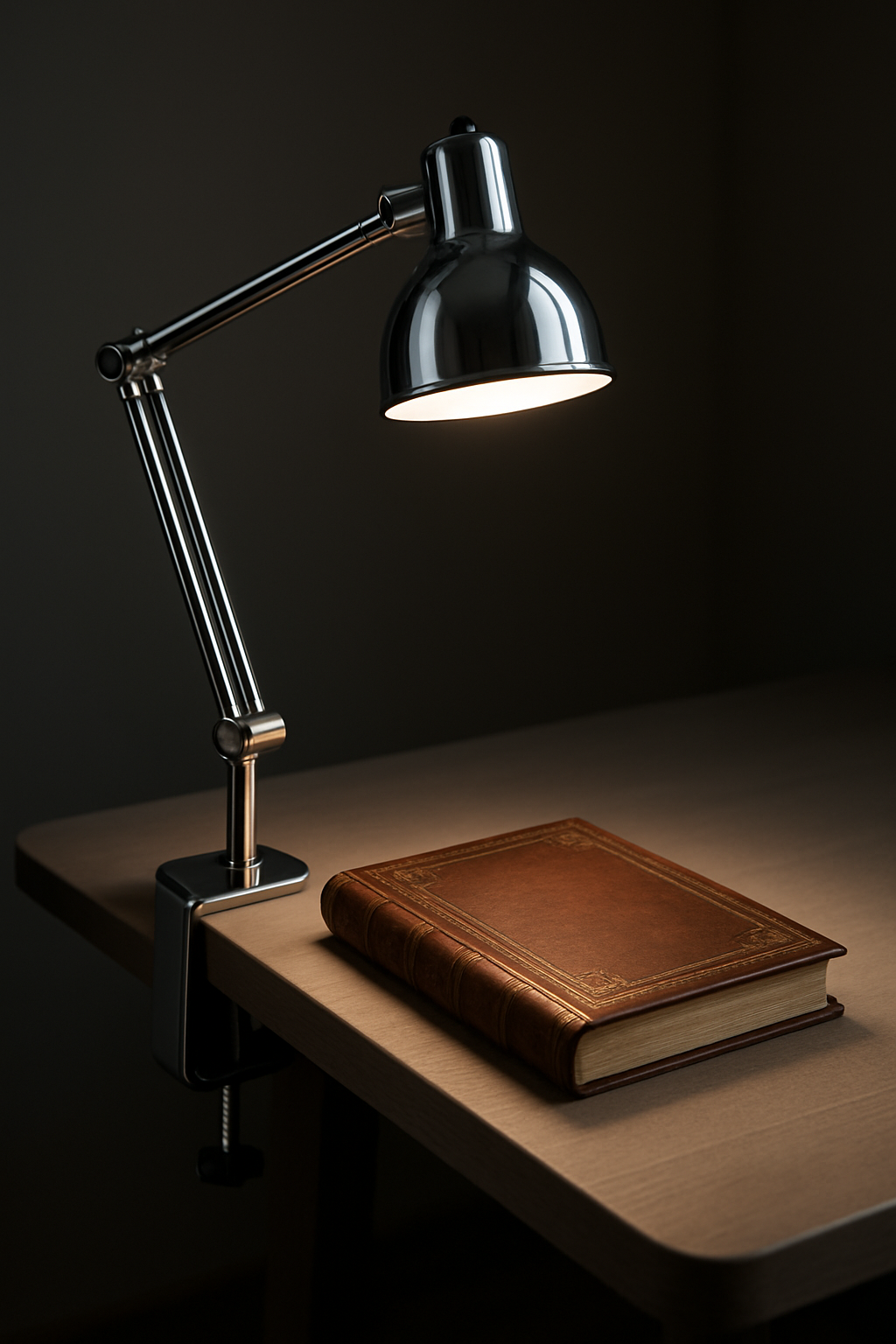
- Color temp: 4000–5000K for focus
- CRI: 90+ so paper and skin tones don’t look weird
- Placement: opposite your writing hand to avoid shadows
2) Monitor Light Bar: glare-free keyboard lighting
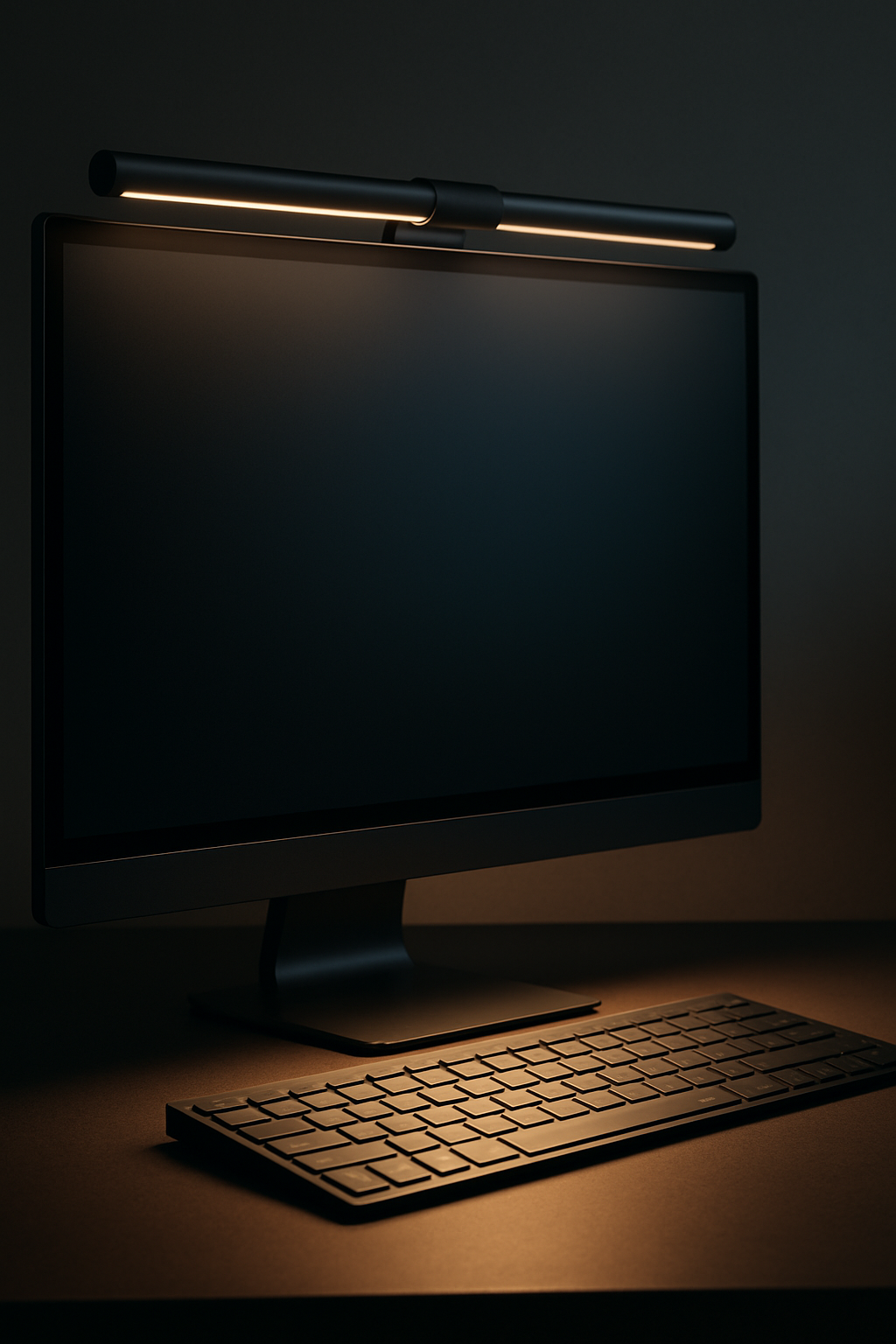
- Look for: auto dimming, warm-to-cool range, U-shaped clip
- Use: neutral 4000K for calls; cooler for spreadsheets
3) Ambient Lamp: 2700–3000K for evenings
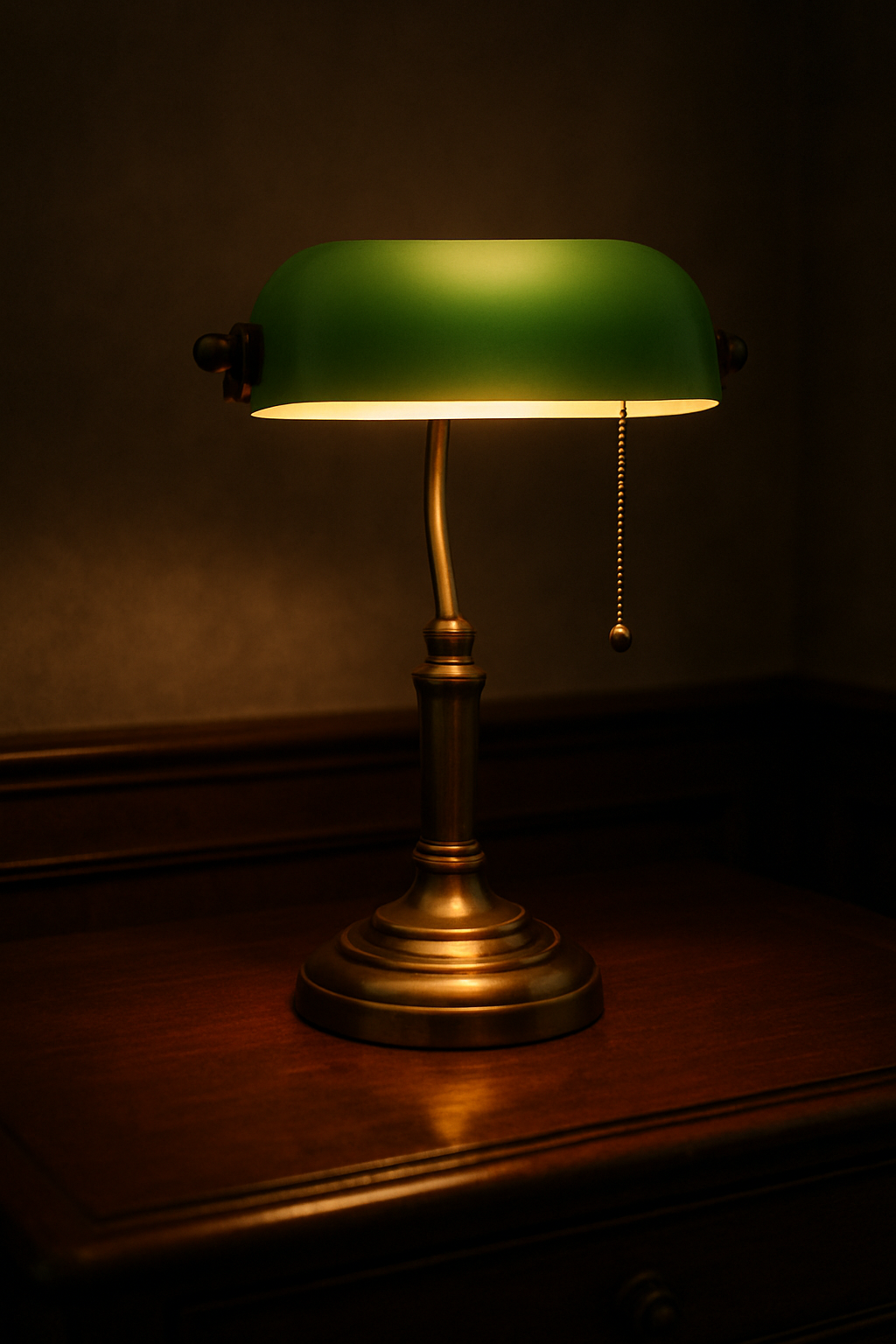
- Warm LED bulb (2700–3000K) with dimmer
- Place behind you for background glow in calls
Lighting cheat sheet
- Task: 4000–5000K, CRI≥90, aim at the page
- Screen: monitor light bar, neutral 4000K
- Ambient: 2700–3000K behind you for background
- Lux on desk: roughly 500–1000; avoid glare in lenses
Nice-to-haves
- Clamp mount to free desk space
- Inline dimmer for quick brightness changes
- Anti-glare screen filter if you’re still getting reflections
Build the rest of your setup
Disclosure: As an Amazon Associate, I earn from qualifying purchases. This means I receive a small commission when you buy through the links on this page, at no additional cost to you.
 Remote Ready
Leave a comment